Nature Design 2.0
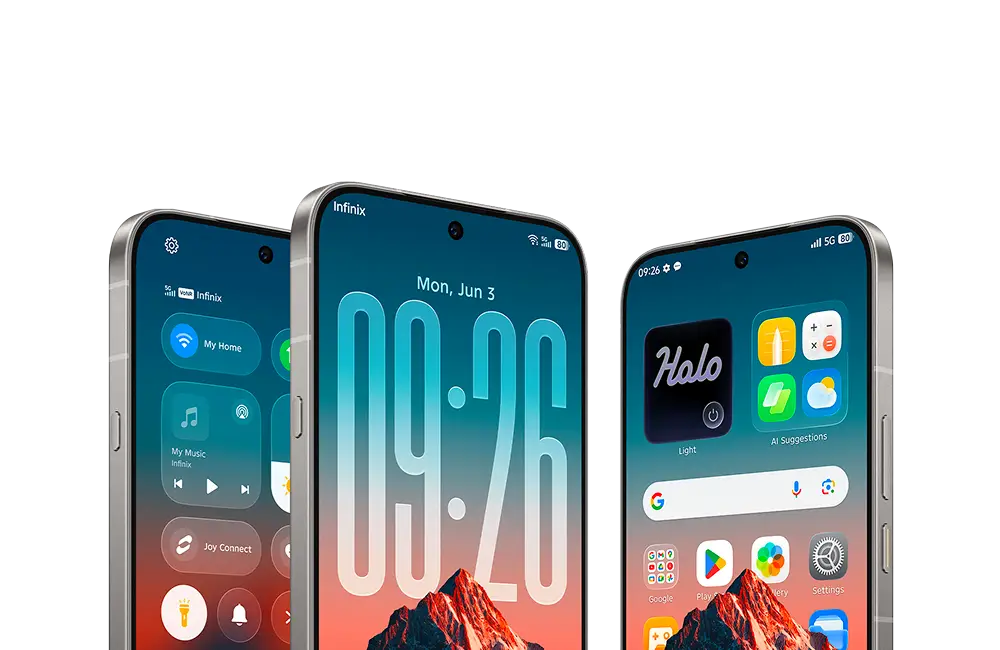
A new design with Glow Space. Beautiful, delightful, and instantly familiar
 M1
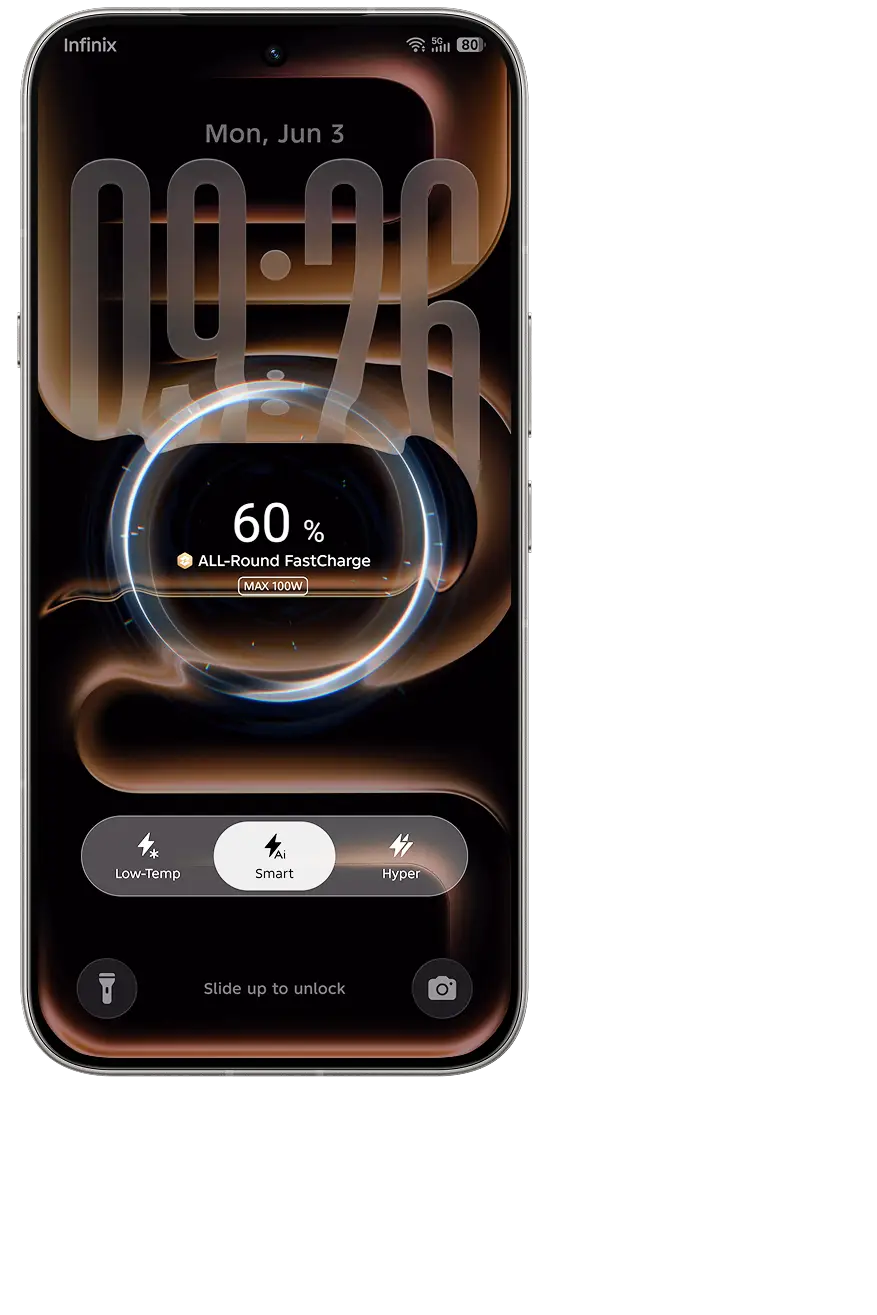

Craft Your Style, Power Your Day
A visual introduction to the design, intelligence, performance and everyday features of XOS 16. Explore the experience — Move from the visual introduction into the design, AI, performance and everyday feature chapters.
A new design with Glow Space. Beautiful, delightful, and instantly familiar
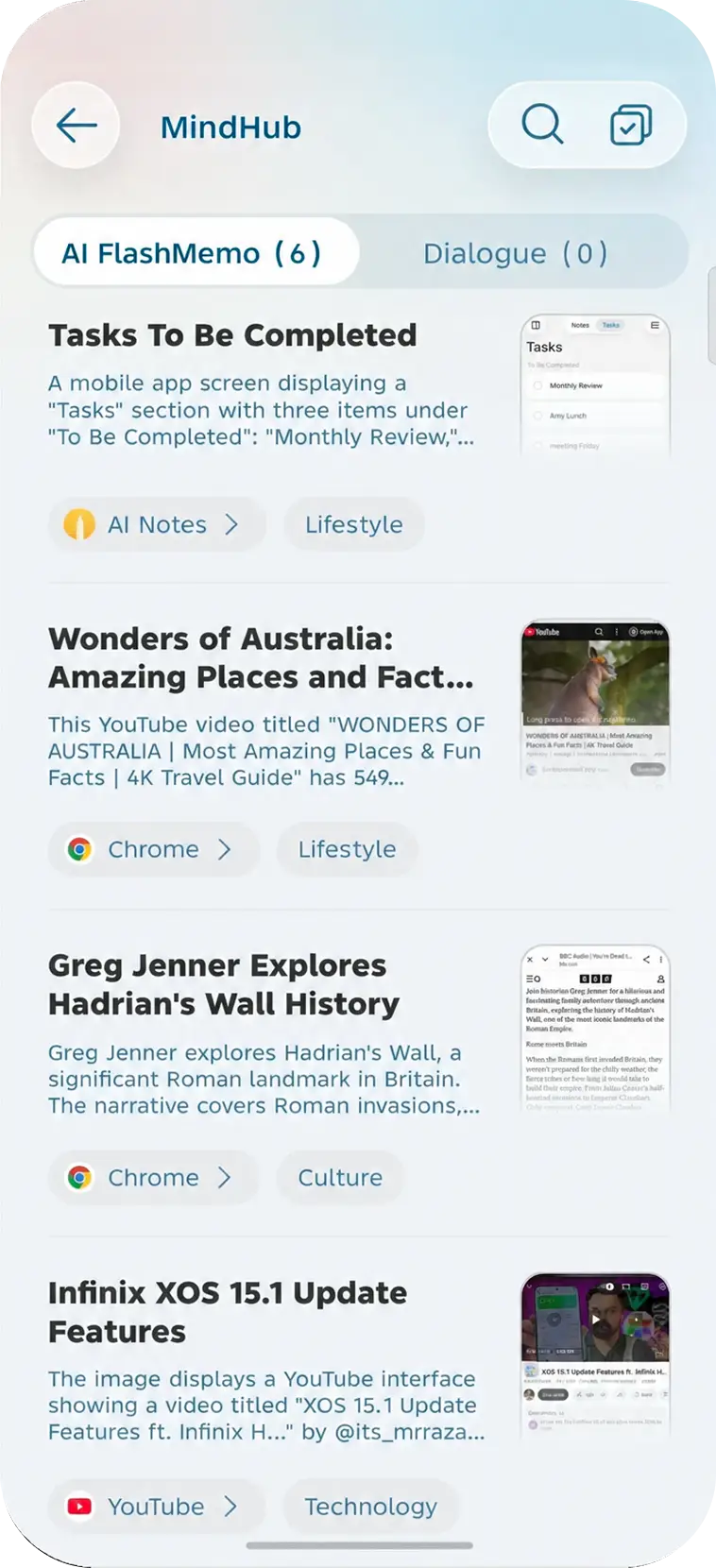
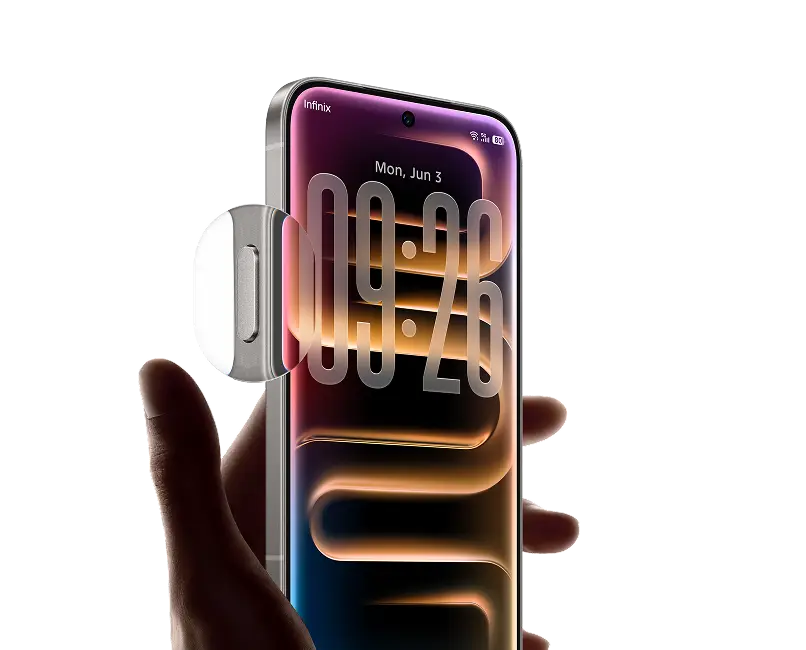
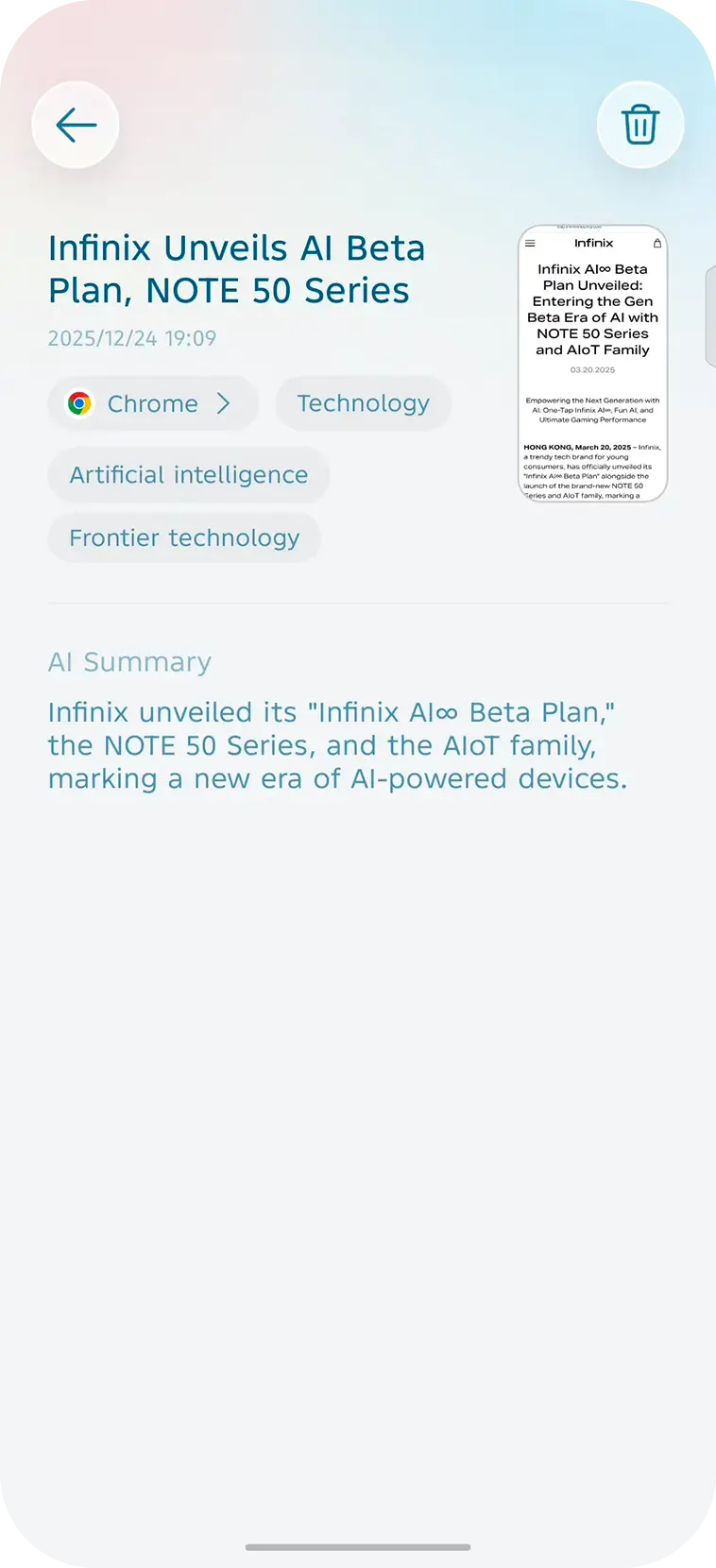
M1 Never miss key files, links, images or brilliant ideas. Tap the AI Key to auto-save and summarize instantly.
 M2
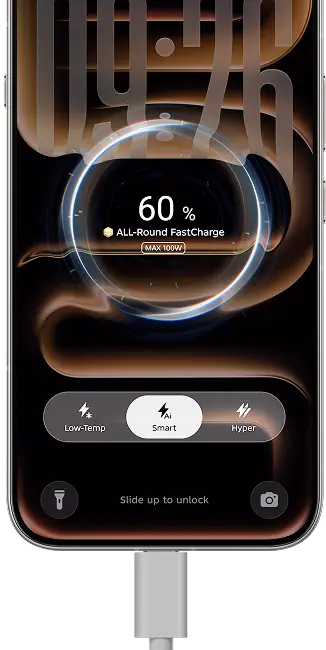
Rushing at railway stations or airports? Instant boost 20% more power in the first 30mins.
 M3
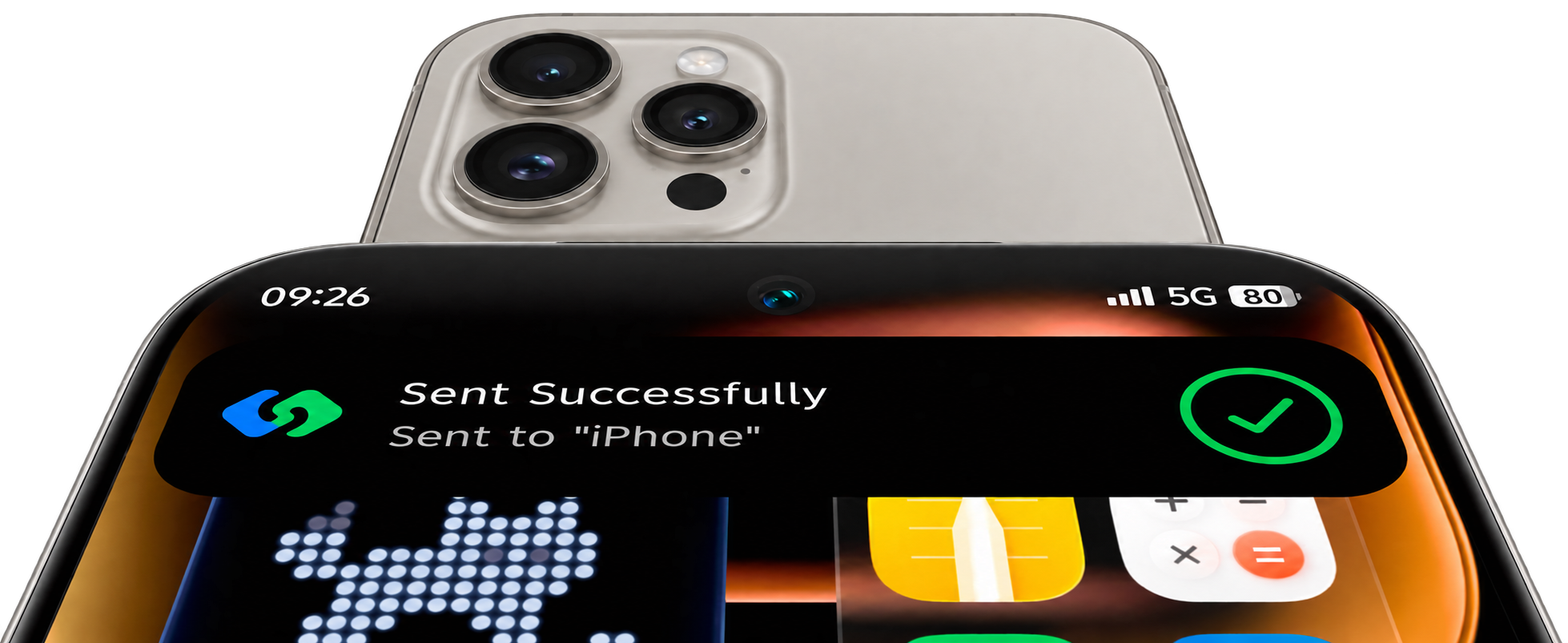
Touch the other device’s NFC area in the sharing interface for traffic-free, lossless original file, and ultra-fast transmission.
 M4
 G
Nature Design 2.0
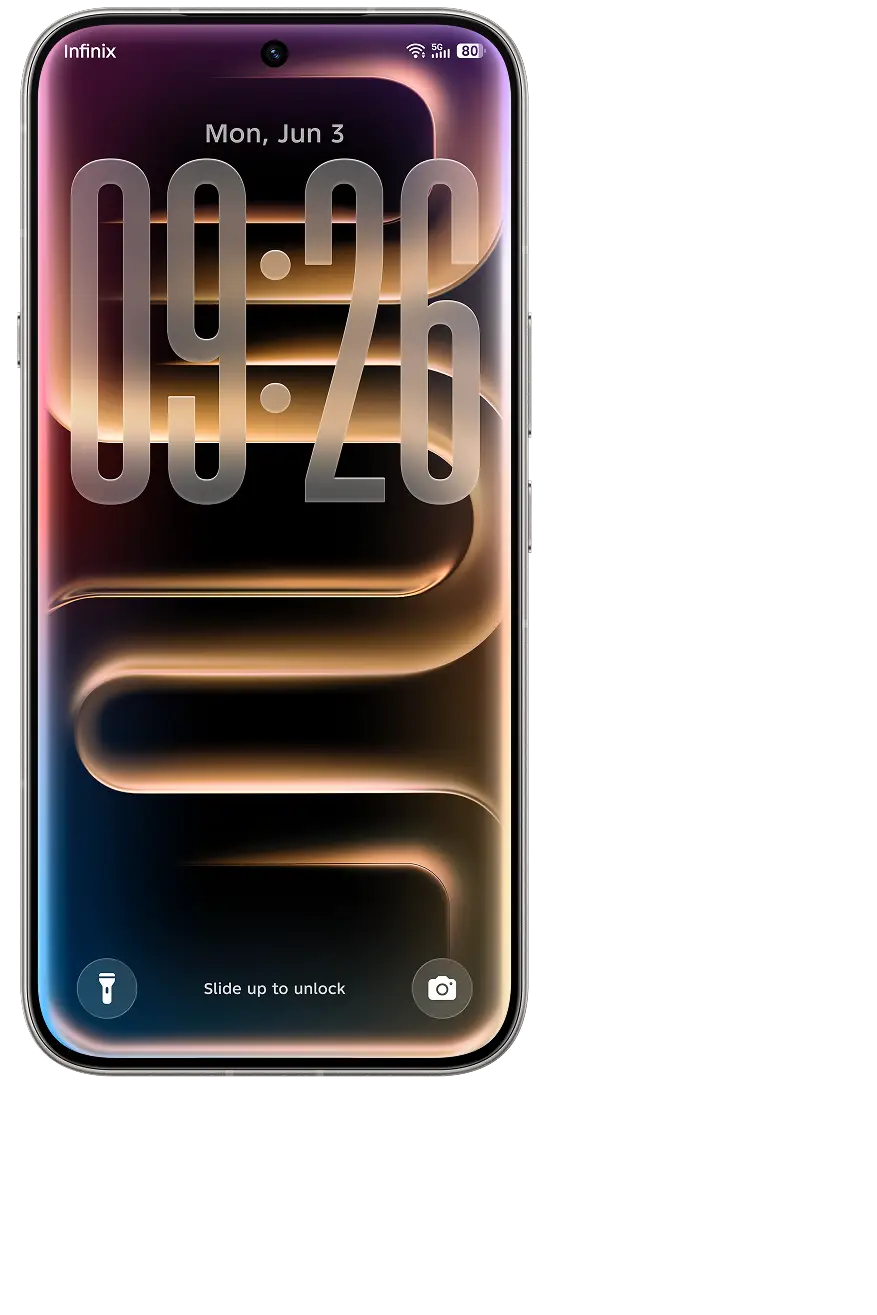
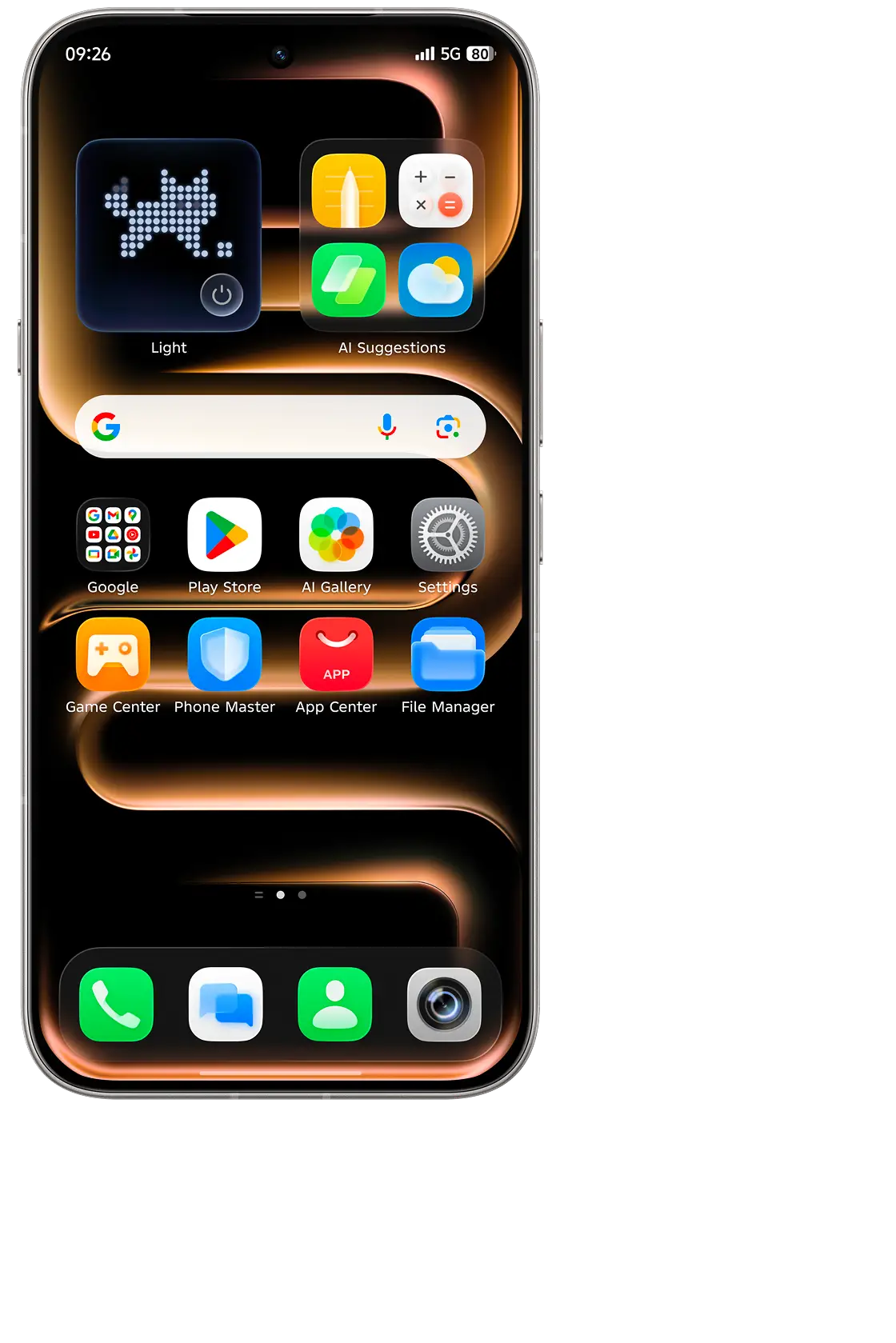
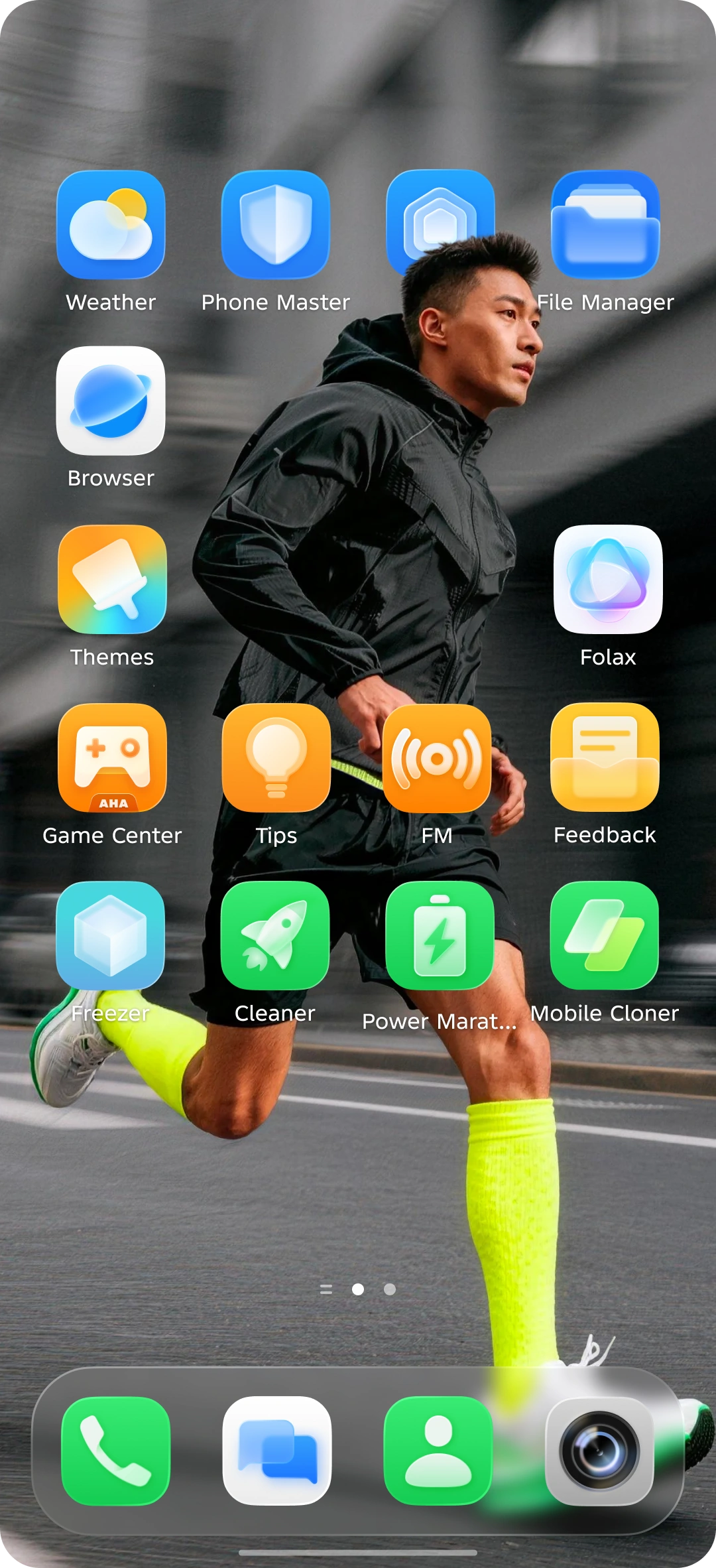
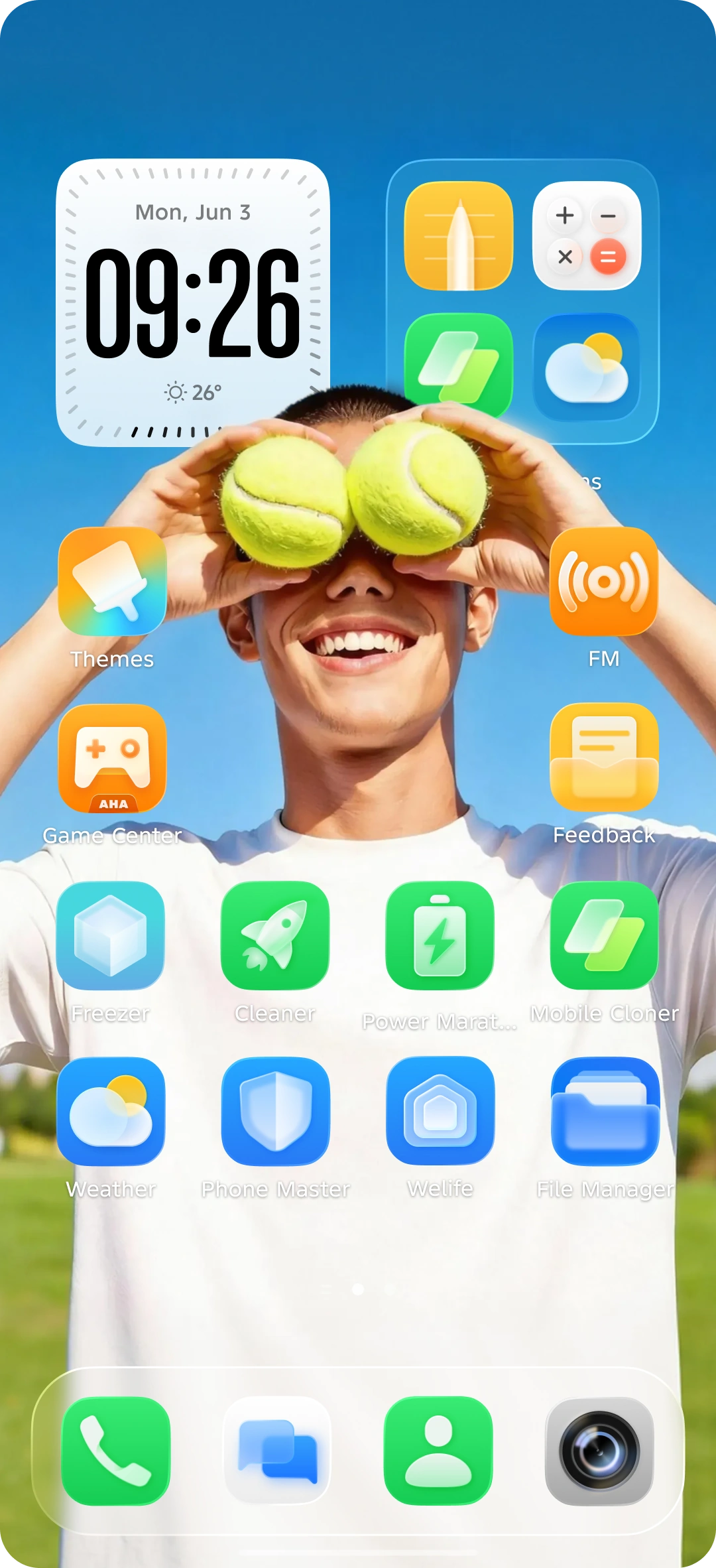
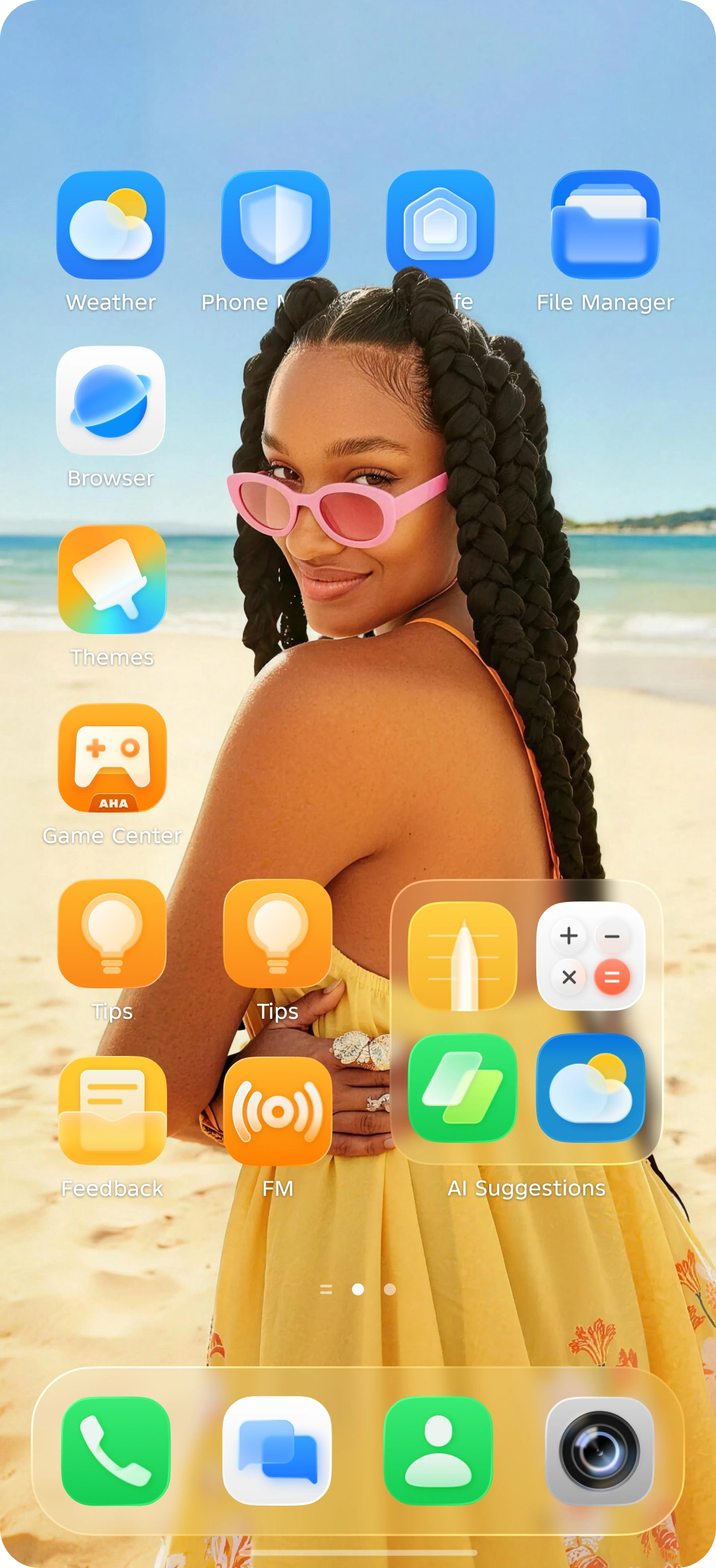
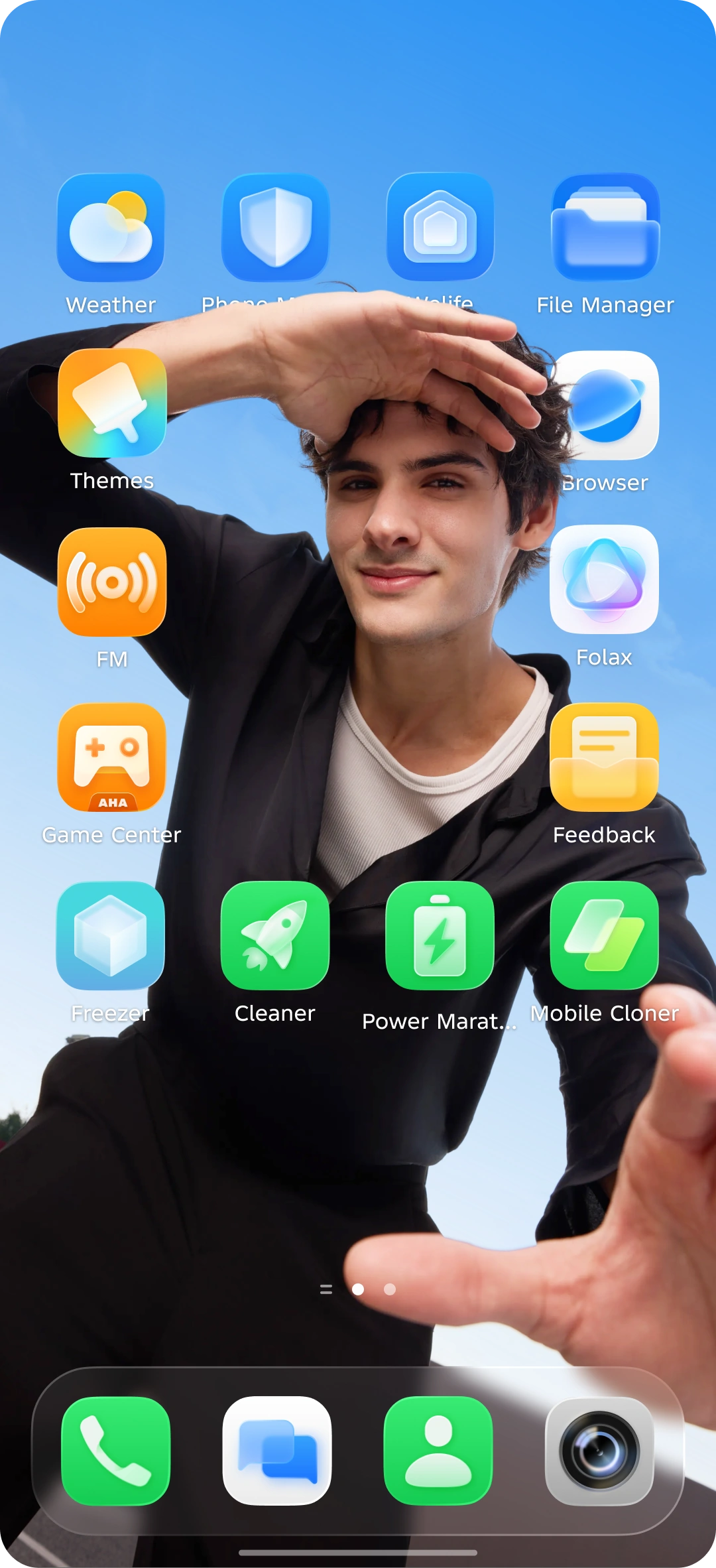
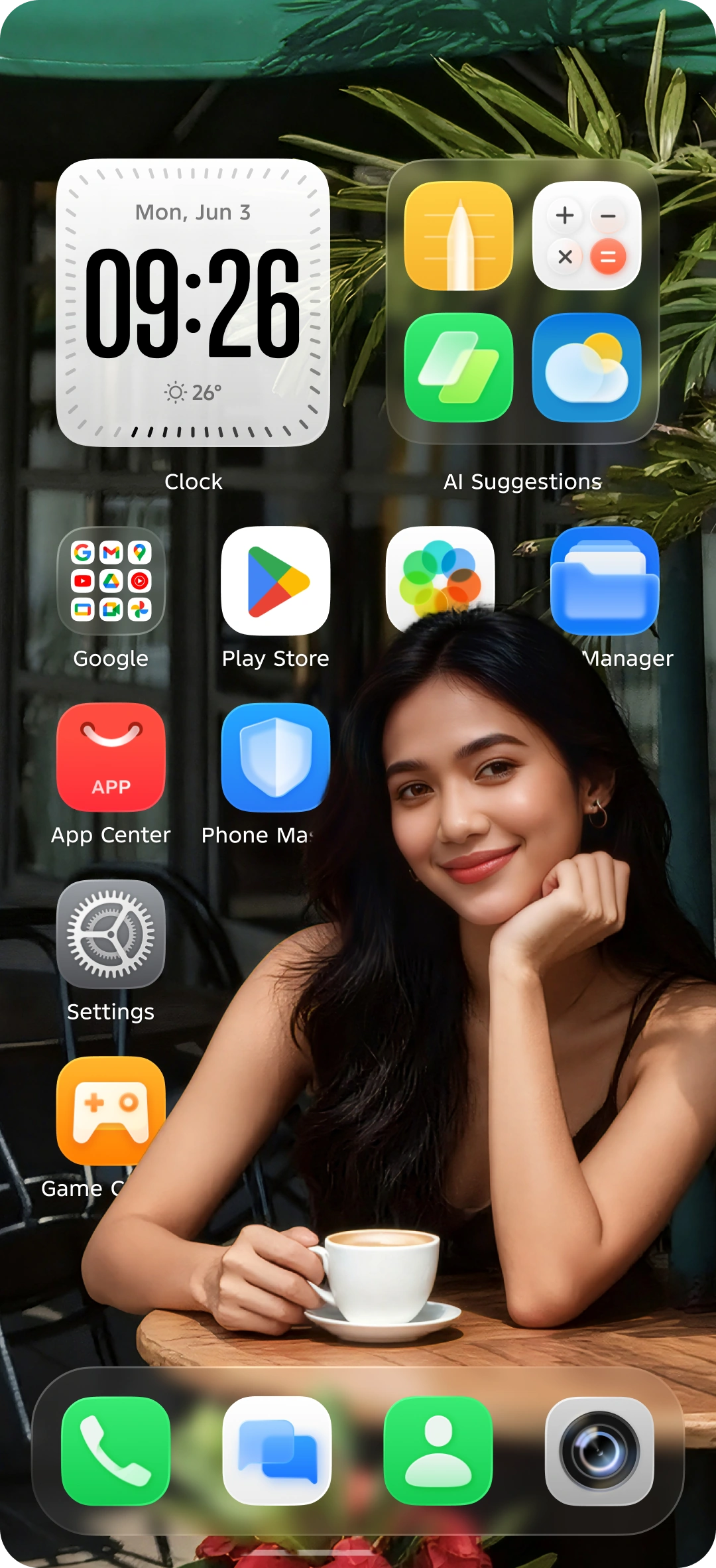
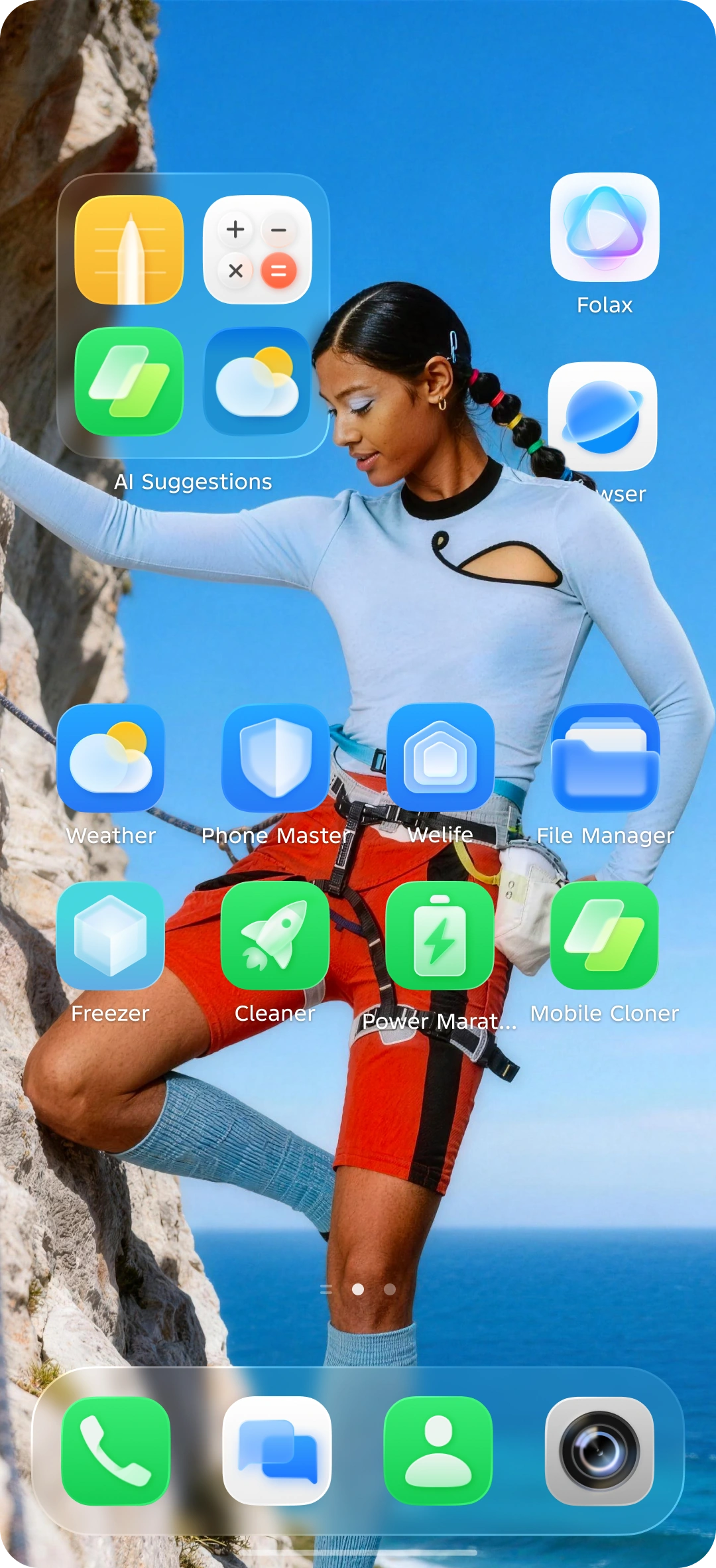
Natural light is woven into the system’s design. True, fluid, and naturally alive.
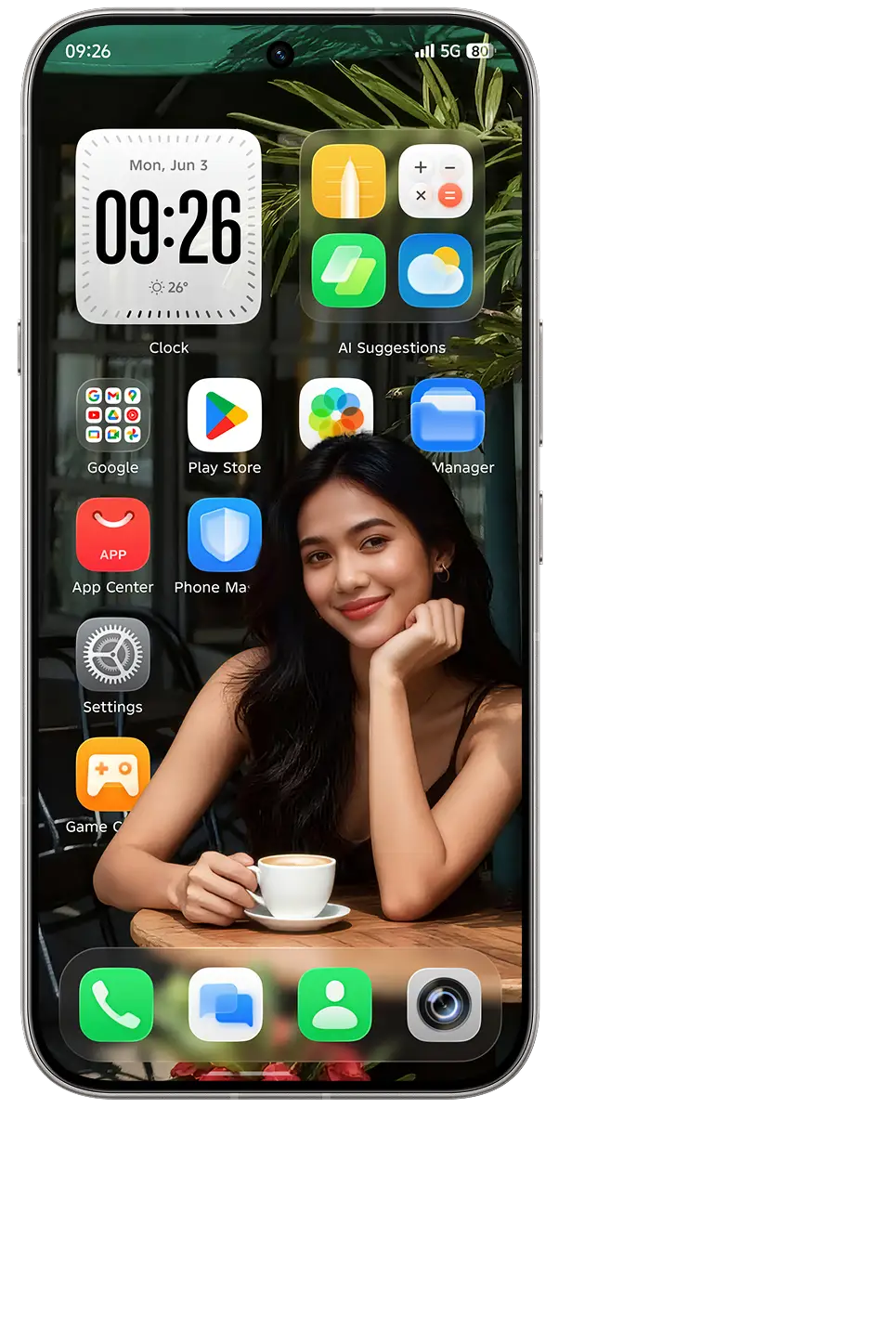
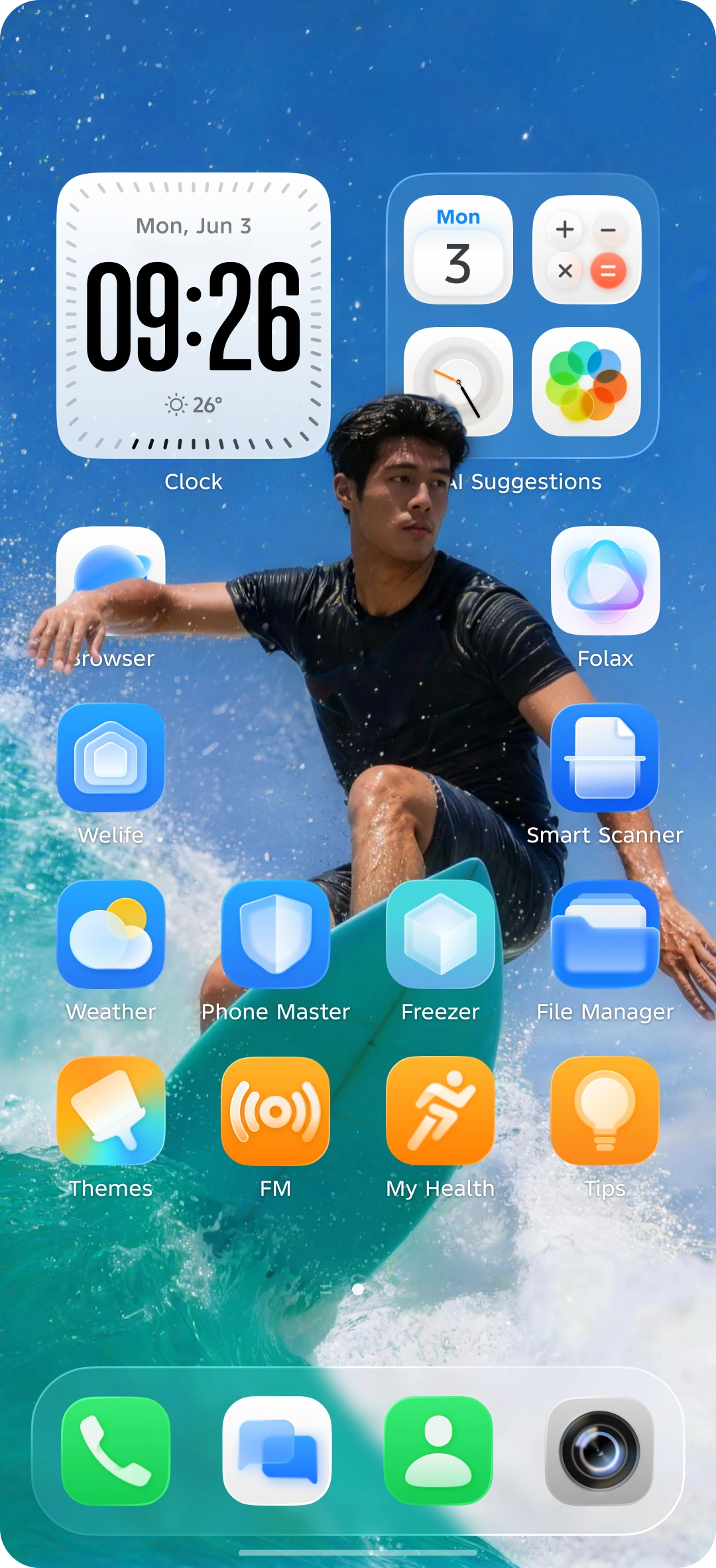
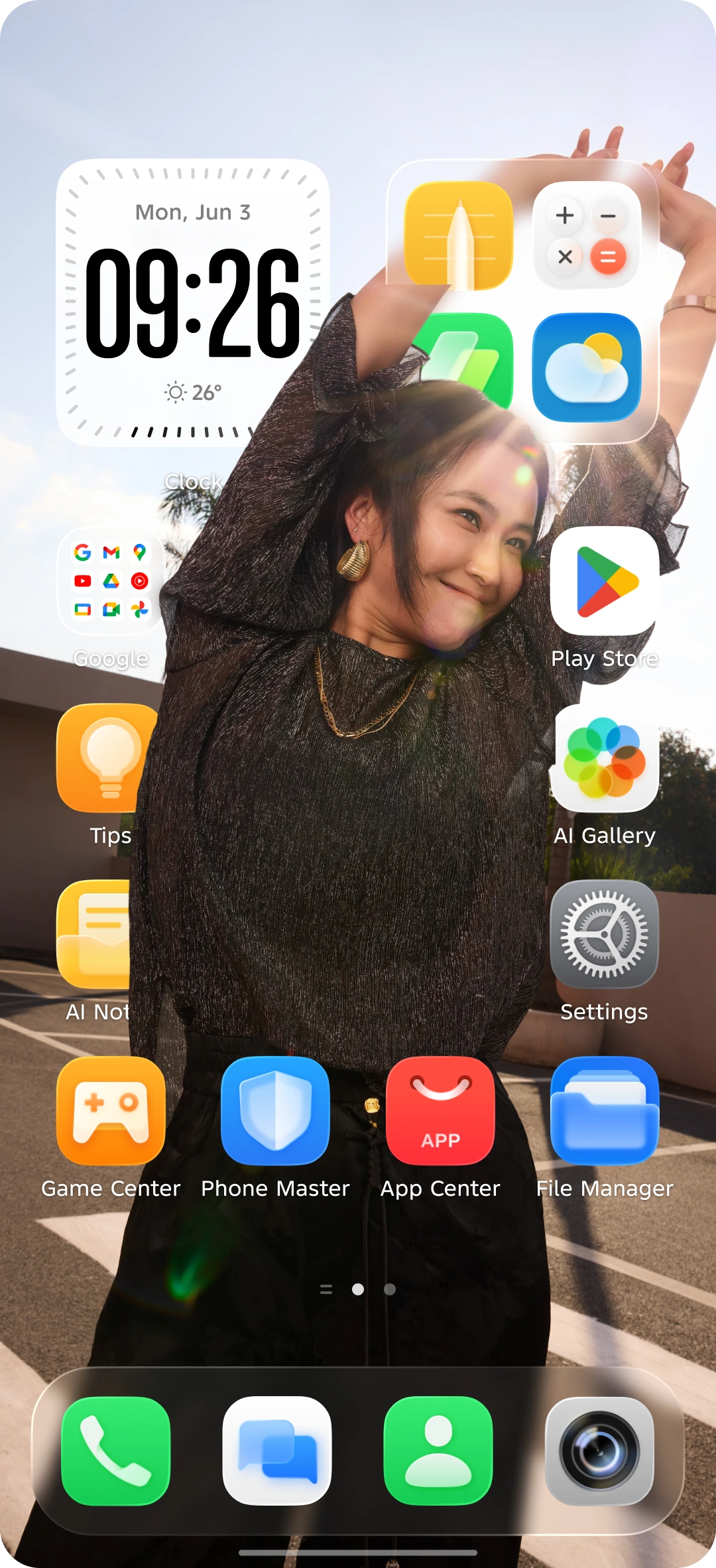
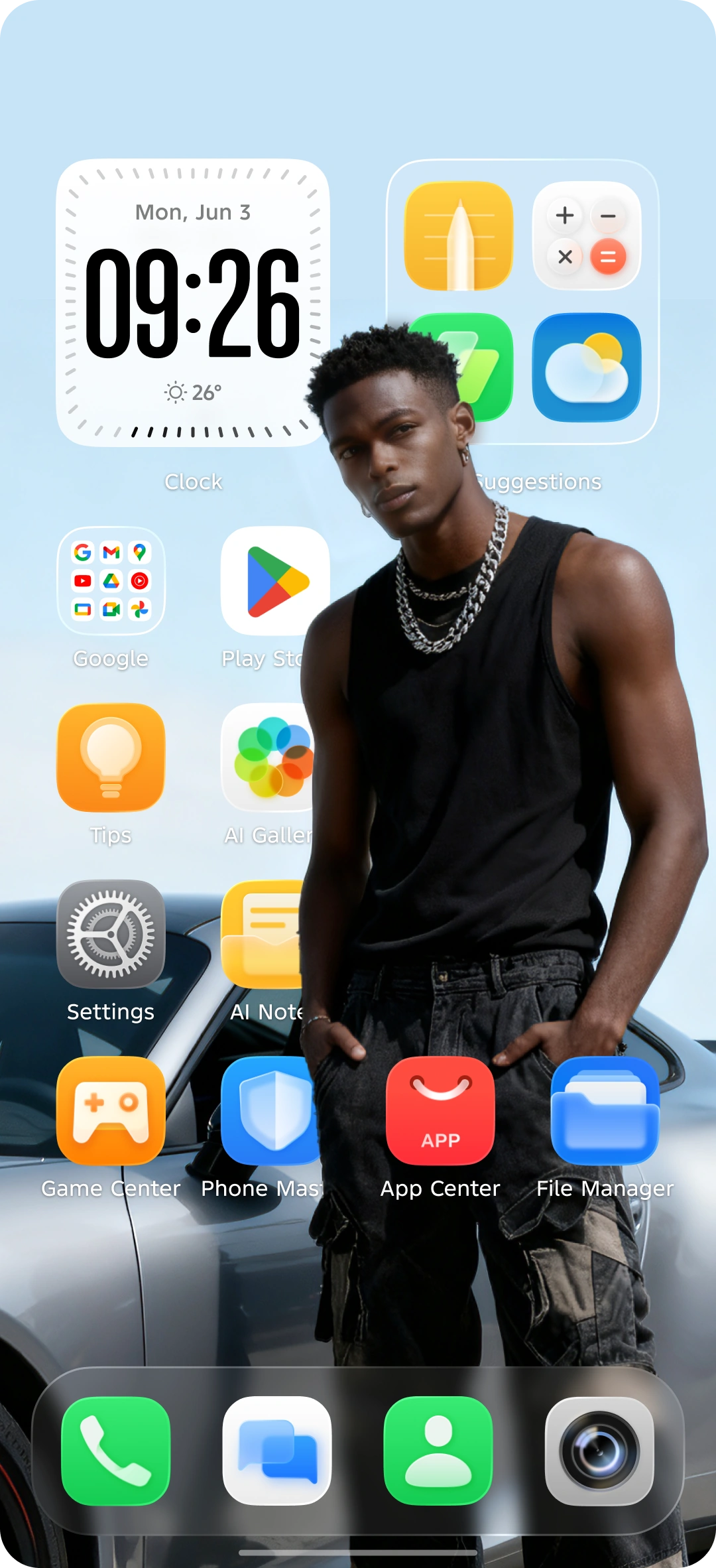
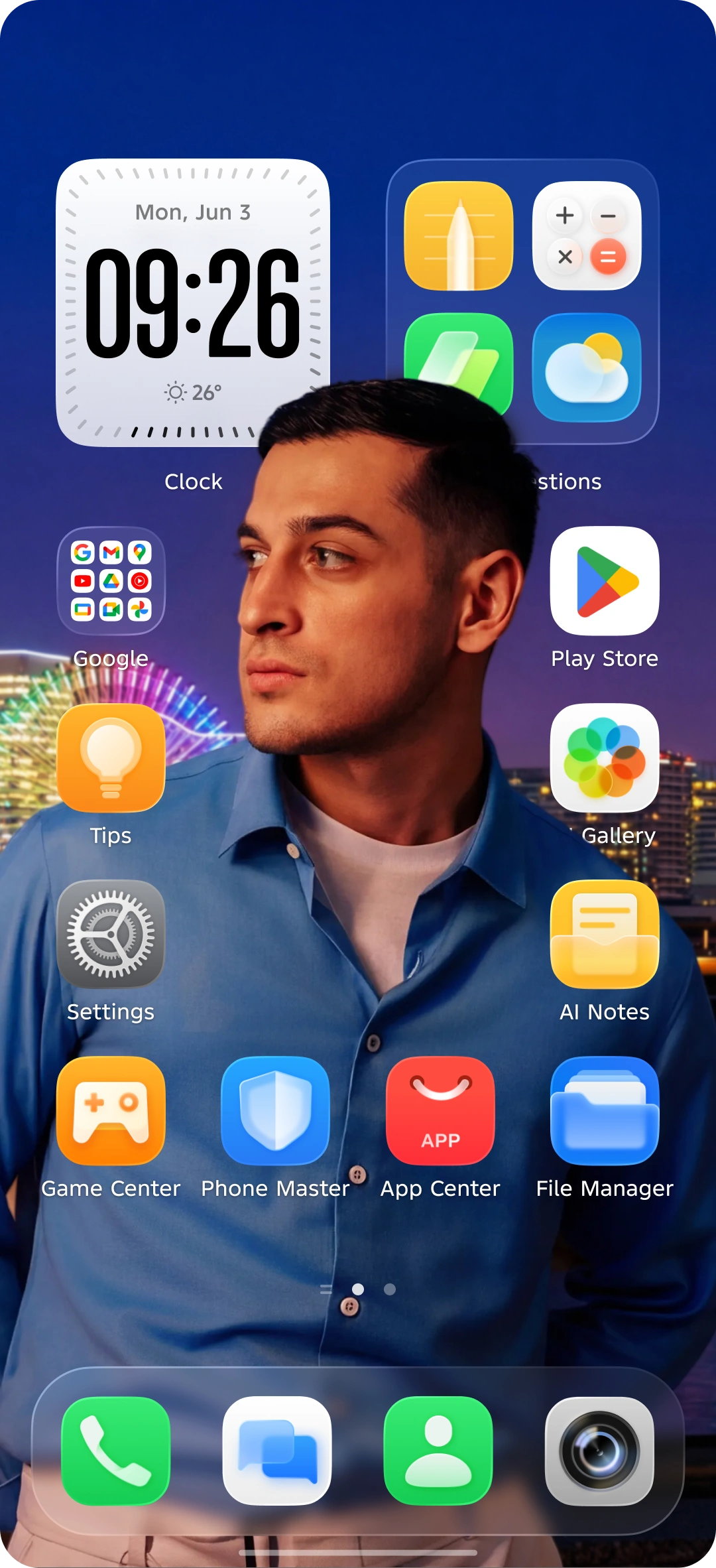
Automatically identifies portrait areas and enables intelligent icon avoidance.
 00
 00
 00
 00
 00
 00
 00
 00
 00
 00
 12.1
 12.2
 12.3
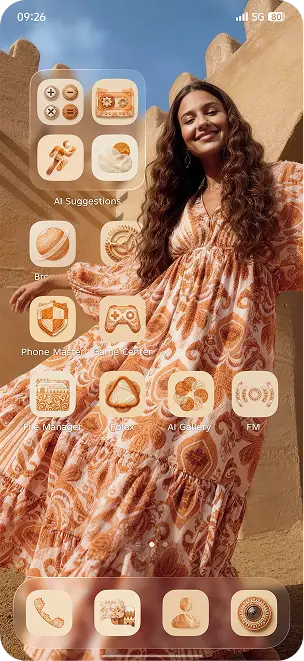
One image, smart-generated theme--craft your exclusive style easily!
Comfortable and natural, with multiple styles and layouts.
Generate your own personalized wallpaper.
Tailored to your hemisphere and local time, this wallpaper shifts through four distinct color and style variations daily, delivering a dynamic, immersive visual experience.
 00
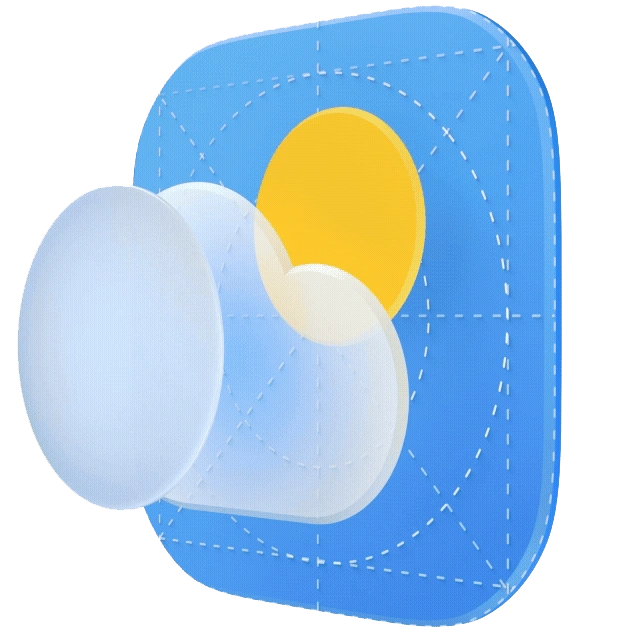

Simulates the natural change of daylight, with delicate and layered textures, delivering an all-new transparent and lightweight breathing experience.
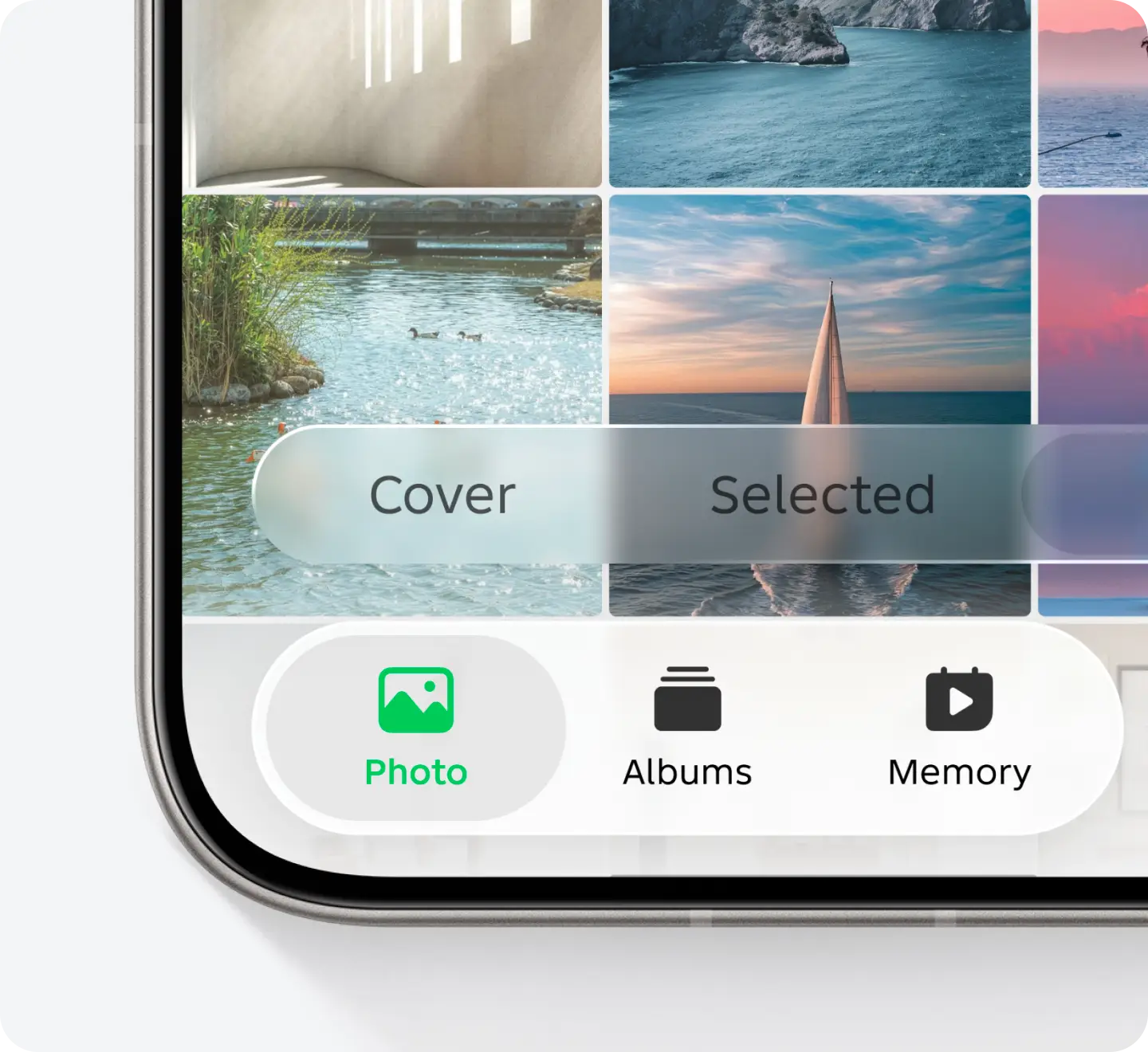
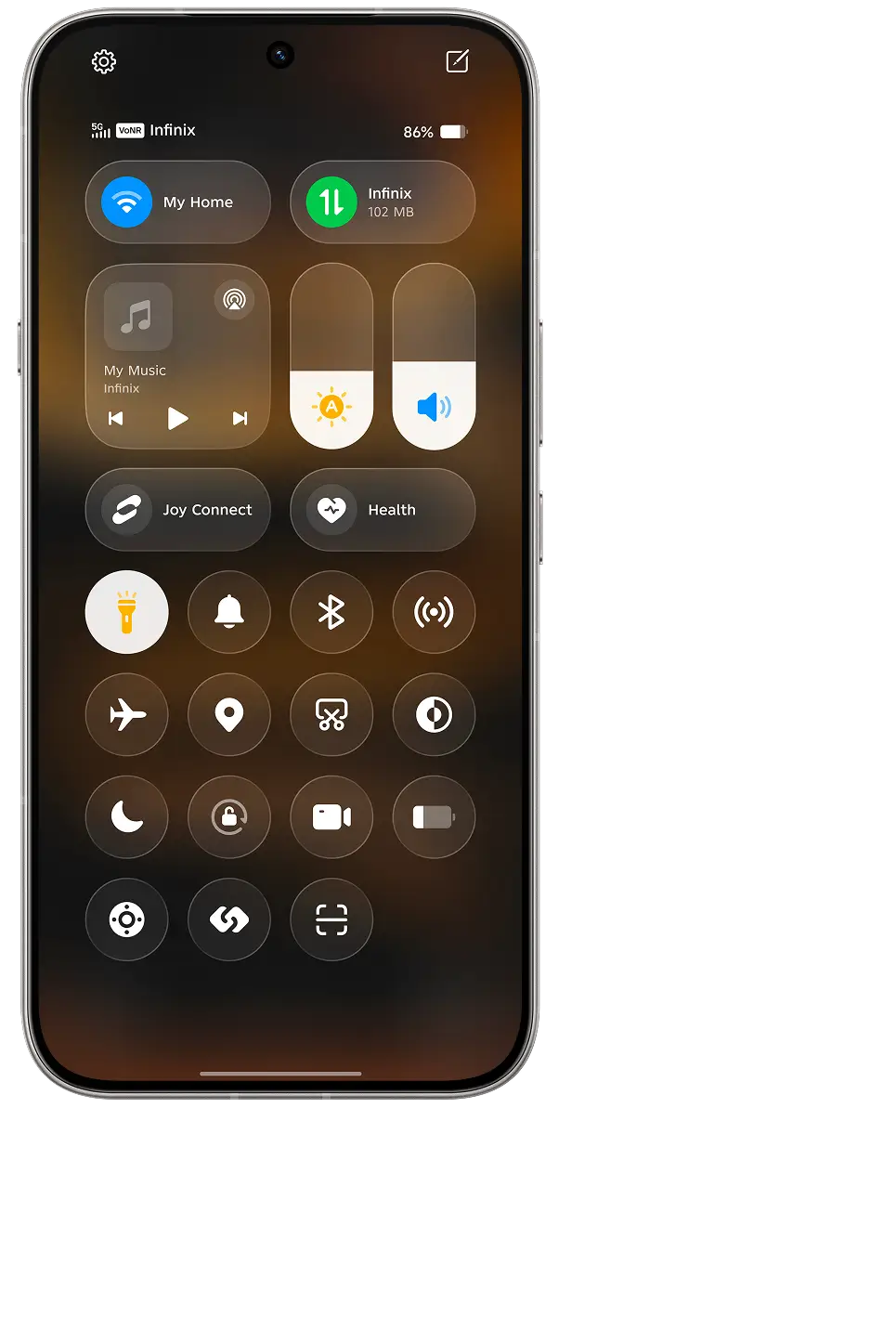
Edge lighting on UI controls, boasting enhanced translucency and elegance.
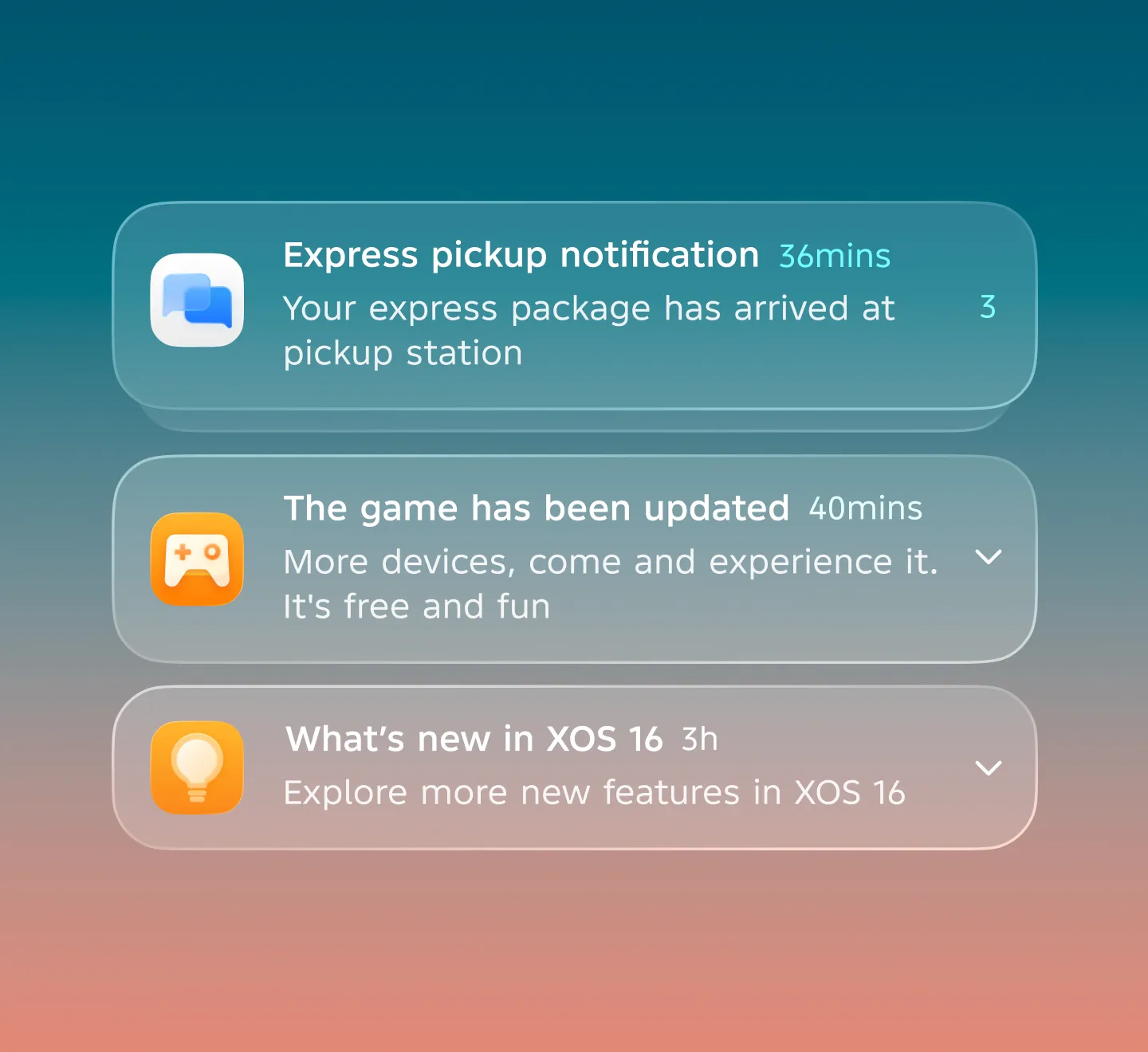
Swipe down to access the Notification Center, with animations unfolding gradually in a springy motion. The translucent backdrop lends an airy, breathing feel to information presentation.
Wake up the Assistant, and the dynamic, dazzling full-screen lighting unfolds—feeling more warmth and joy with every use.
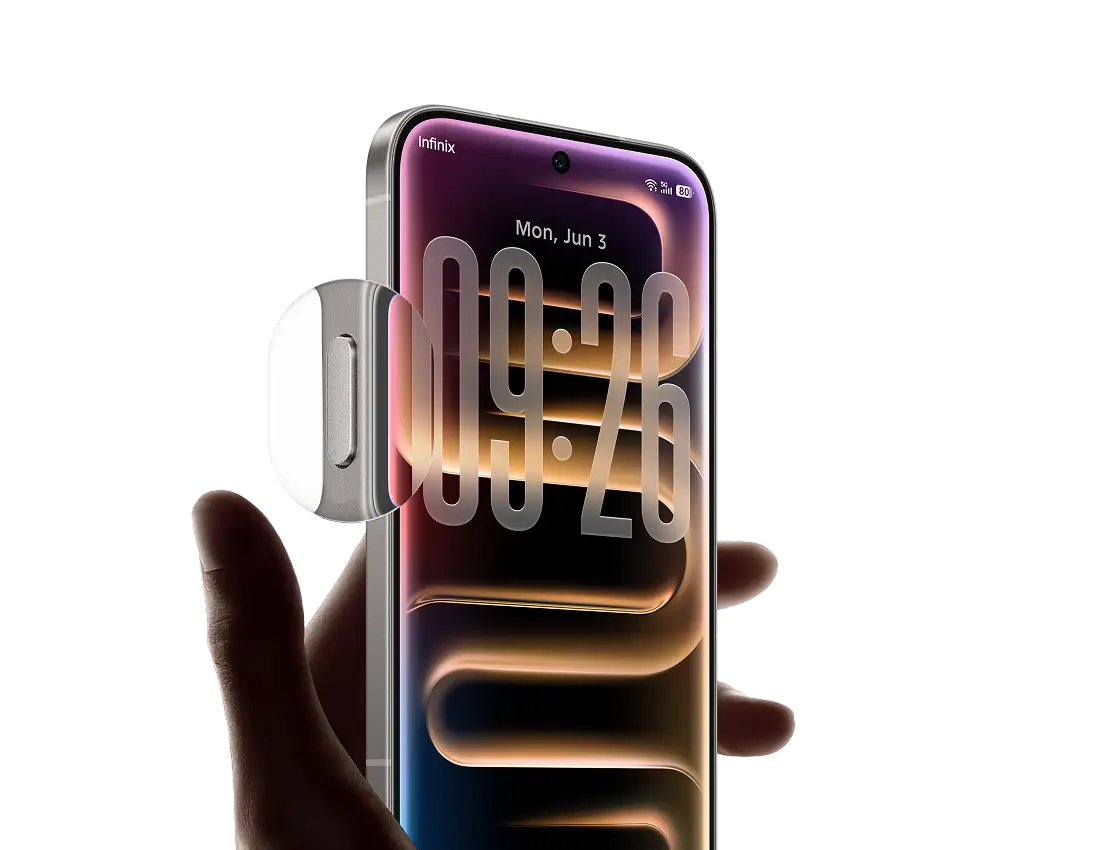

Infinix AI

Infinix FlashMemo
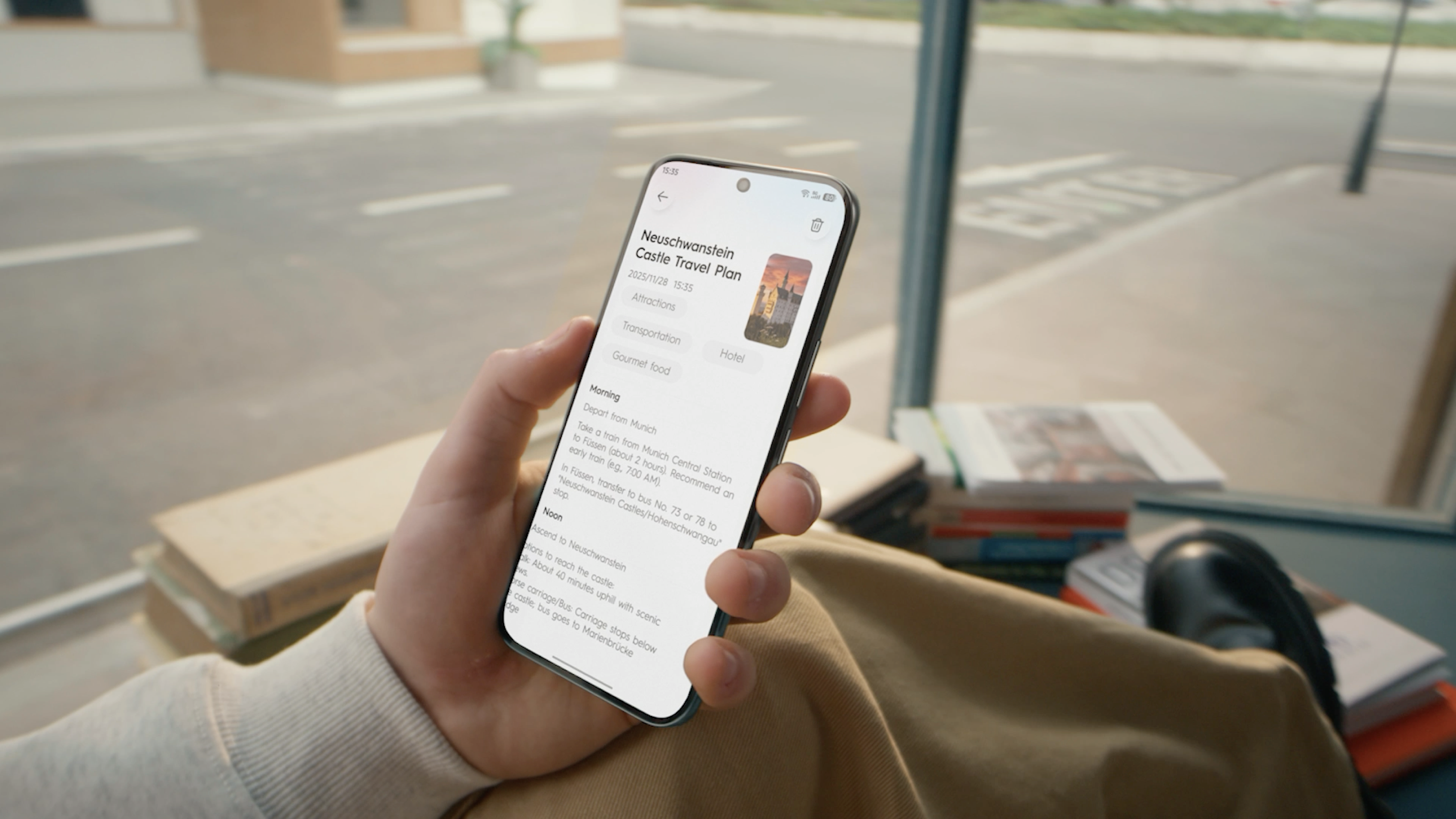
Never miss key files, links, images or brilliant ideas. Tap the AI Key to auto-save, summarize and set schedules instantly.
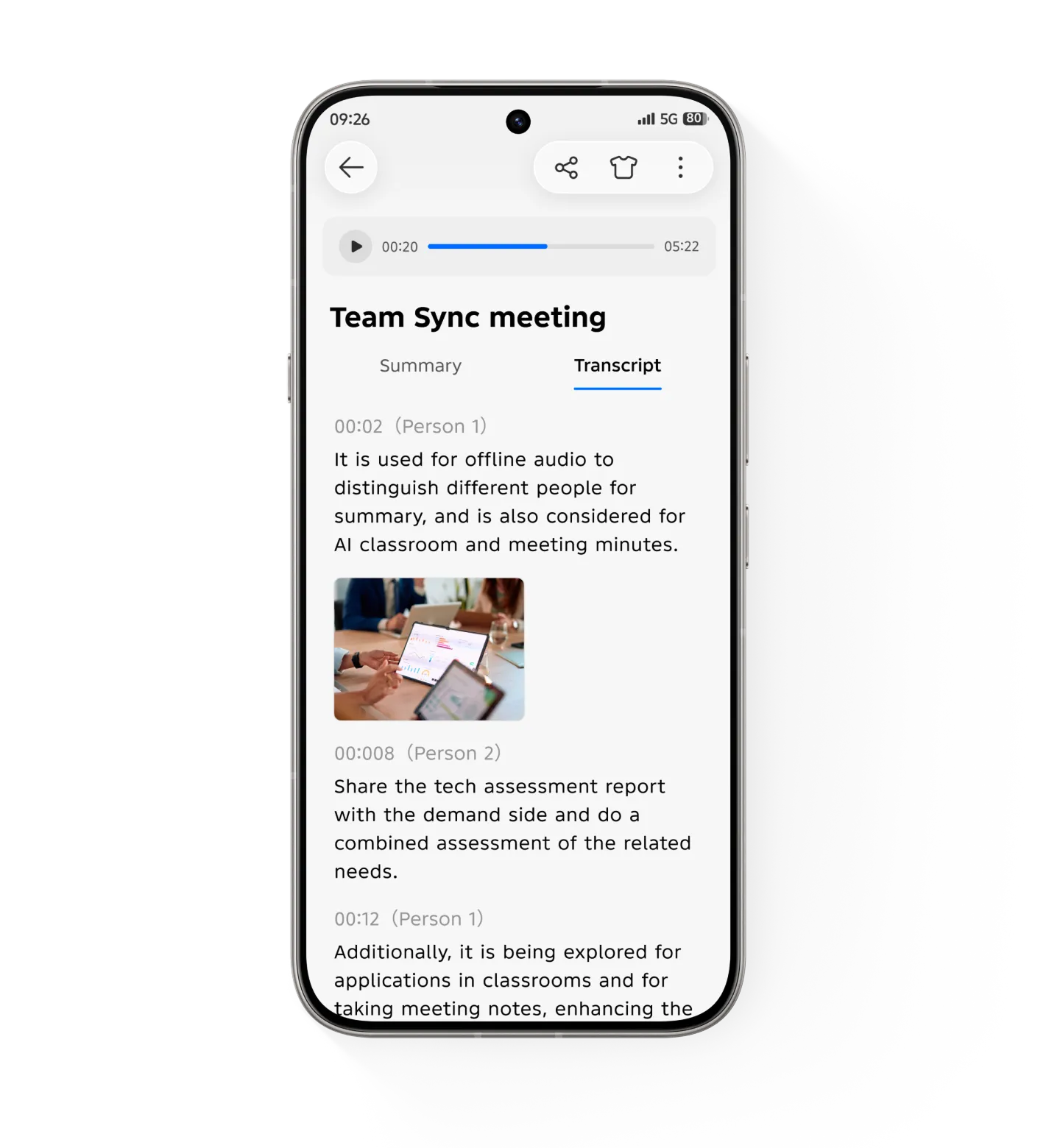
AI Recording Note
Time-Synced photo matching with AI-powered content summary
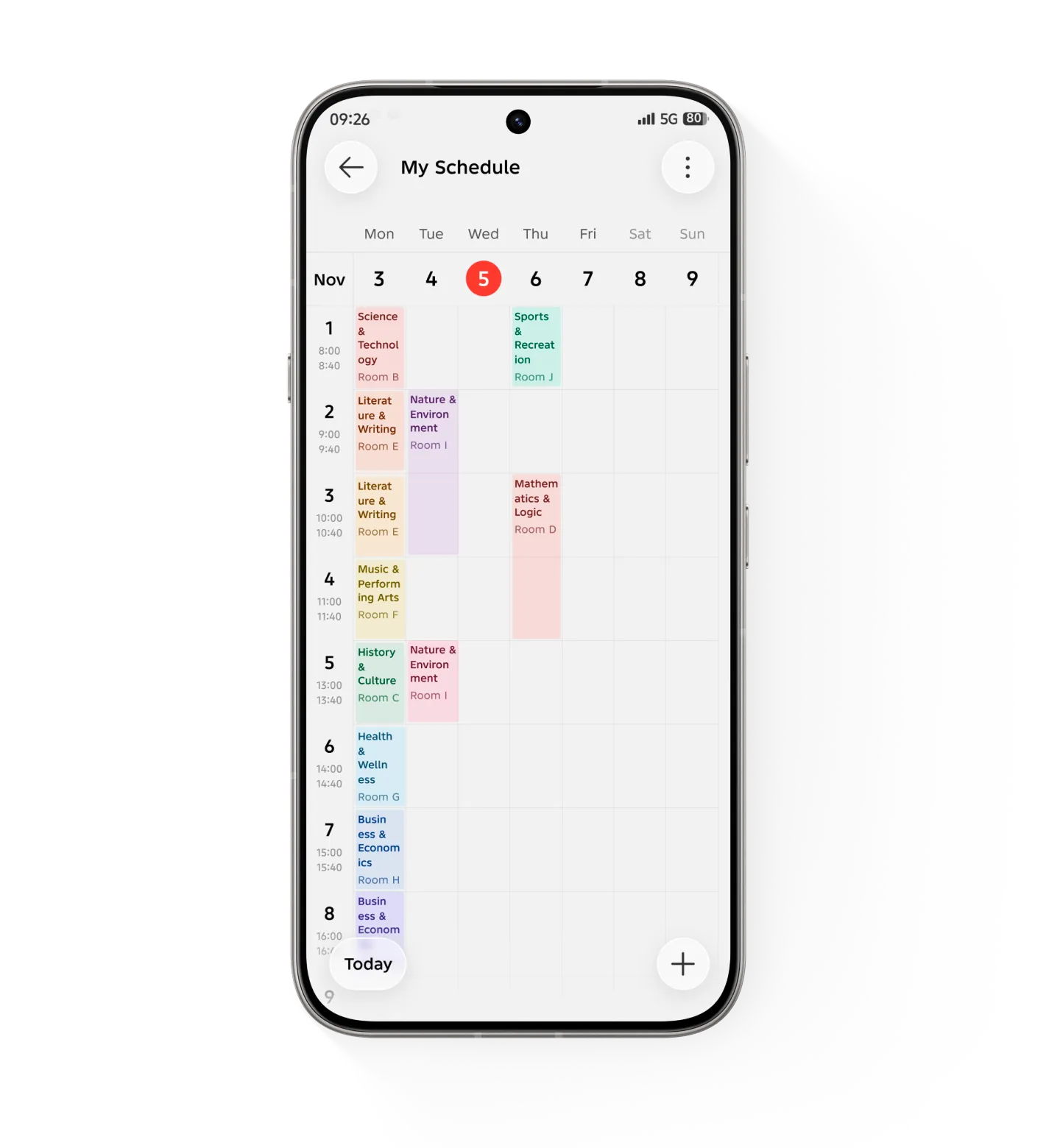
AI Class Timetable
Take a picture to insert the class timetable into your calendar. Remark: Only available in Nigeria, Kenya, Pakistan at present
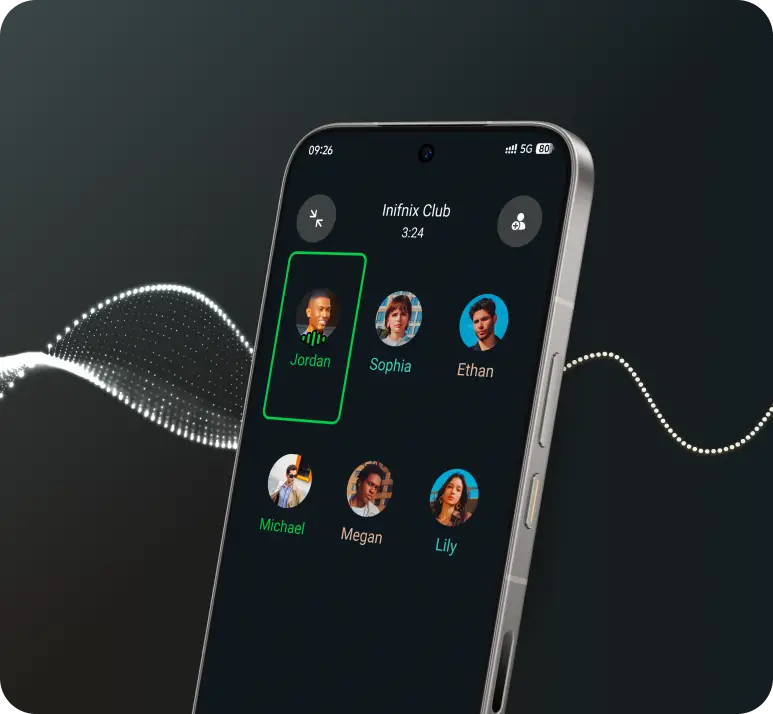
Call Noise Suppression
Infinix AI recognizes and eliminates background noise during system and application calls or meetings—so you stay focused on what matters.
AI Visual Enhancement
Clearer image quality with the same data consumption.


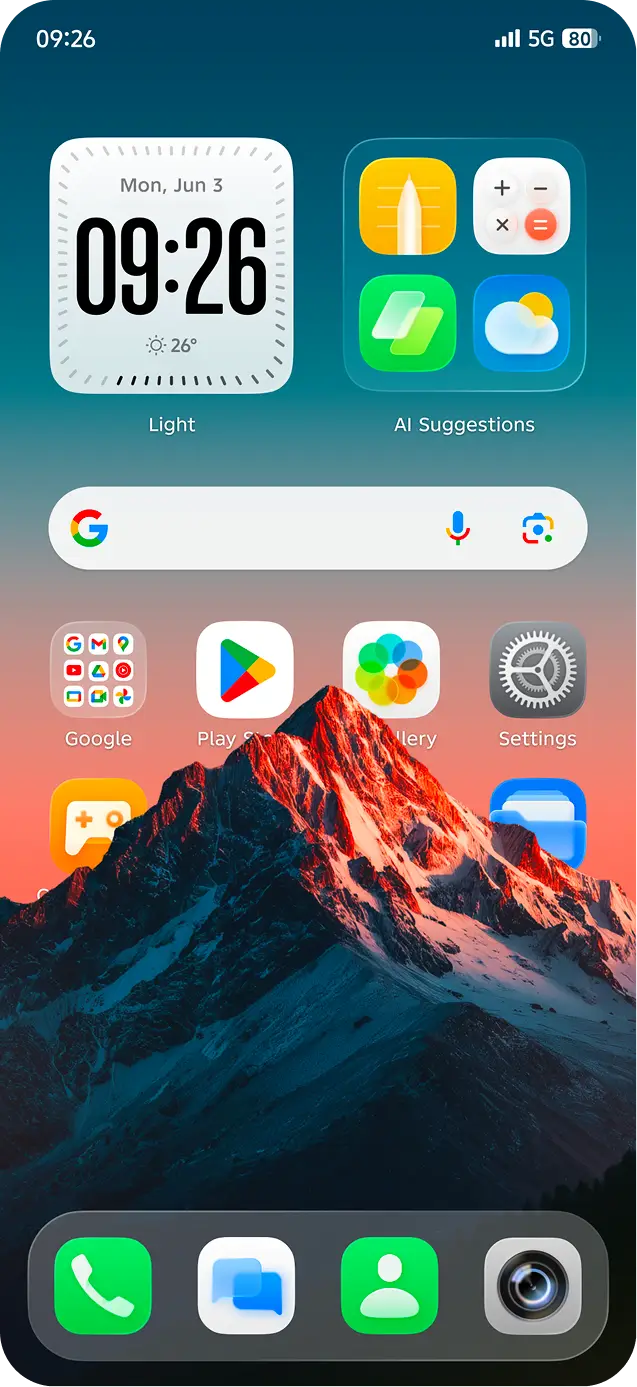



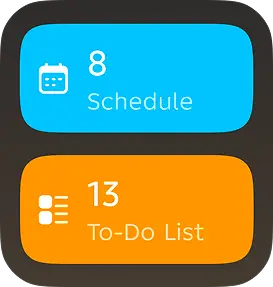

AI Suggestions
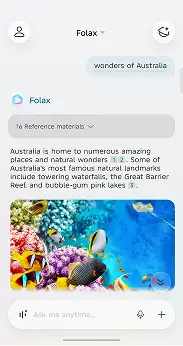
Infinix AI learns what you need. From morning weather to a midday ride, lunch, or setting tomorrow’s alarm — it has everything ready for you.
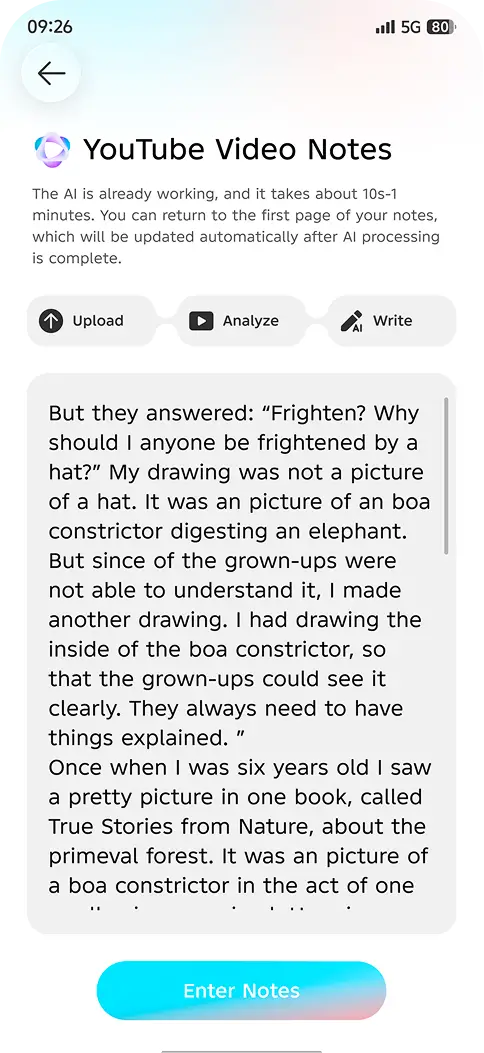
YouTube Video Note
Preview the summary before watching videos for time-saving efficiency.
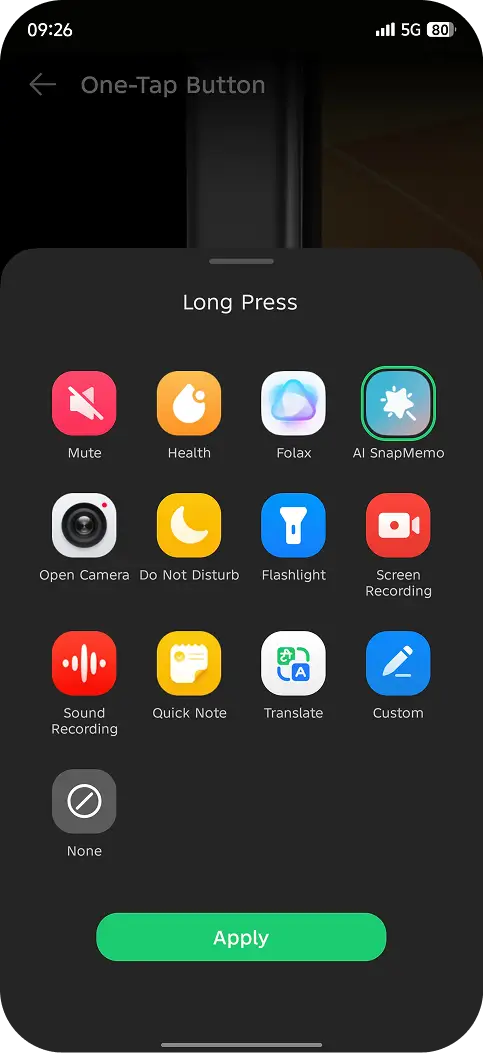
One-tap Button
Long-press the One-tap Button for instant access to custom features, ready for any unexpected moment!
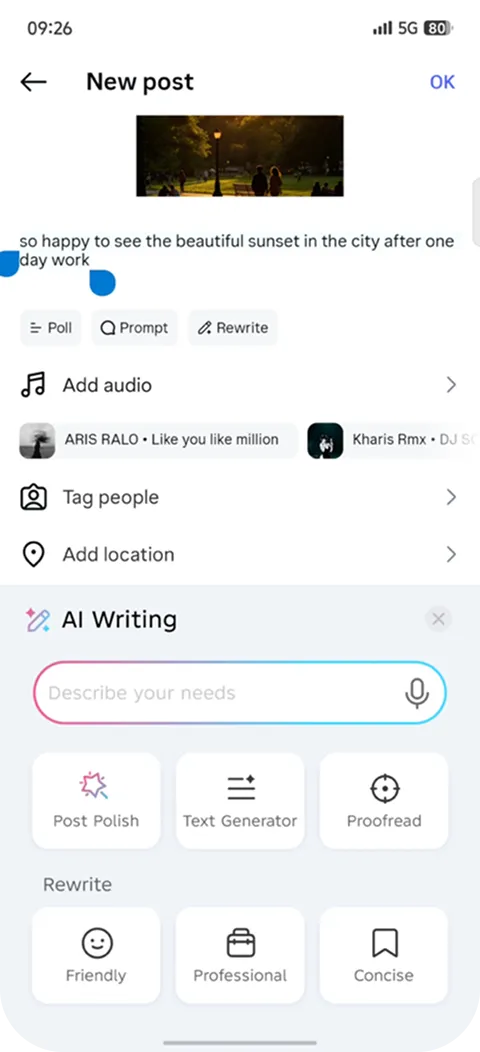
AI Writing
Skillfully insert emoticons and matches the platform in an interesting tone.
 G
Powerful Smooth
Faster and cooler charging, extended battery life, and next-level smoothness
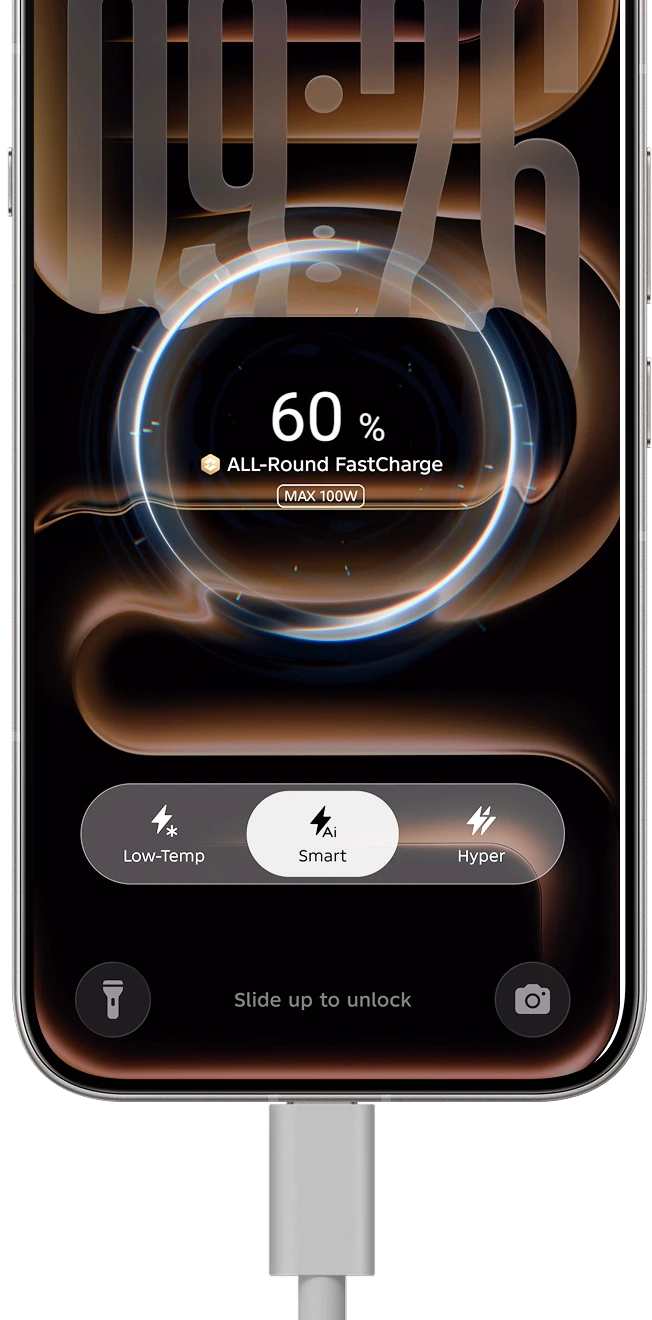
All Scenarios Bypass Charging
Game, stream live or navigate while charging: No overheating, extended battery life.
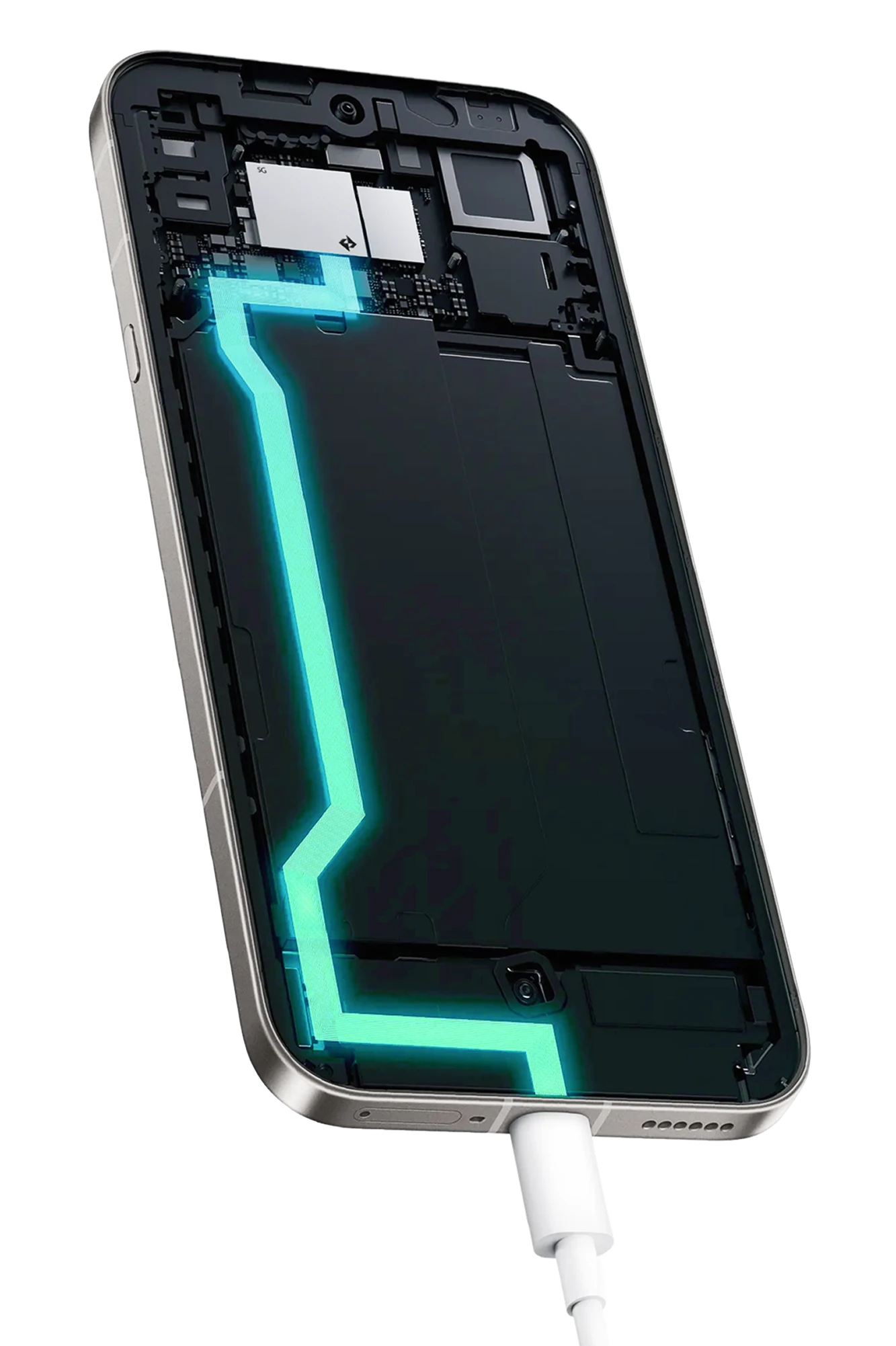
Travel Boost Charging
Rushing at railway stations or airports? Instant boost 20% more power in the first 30mins.
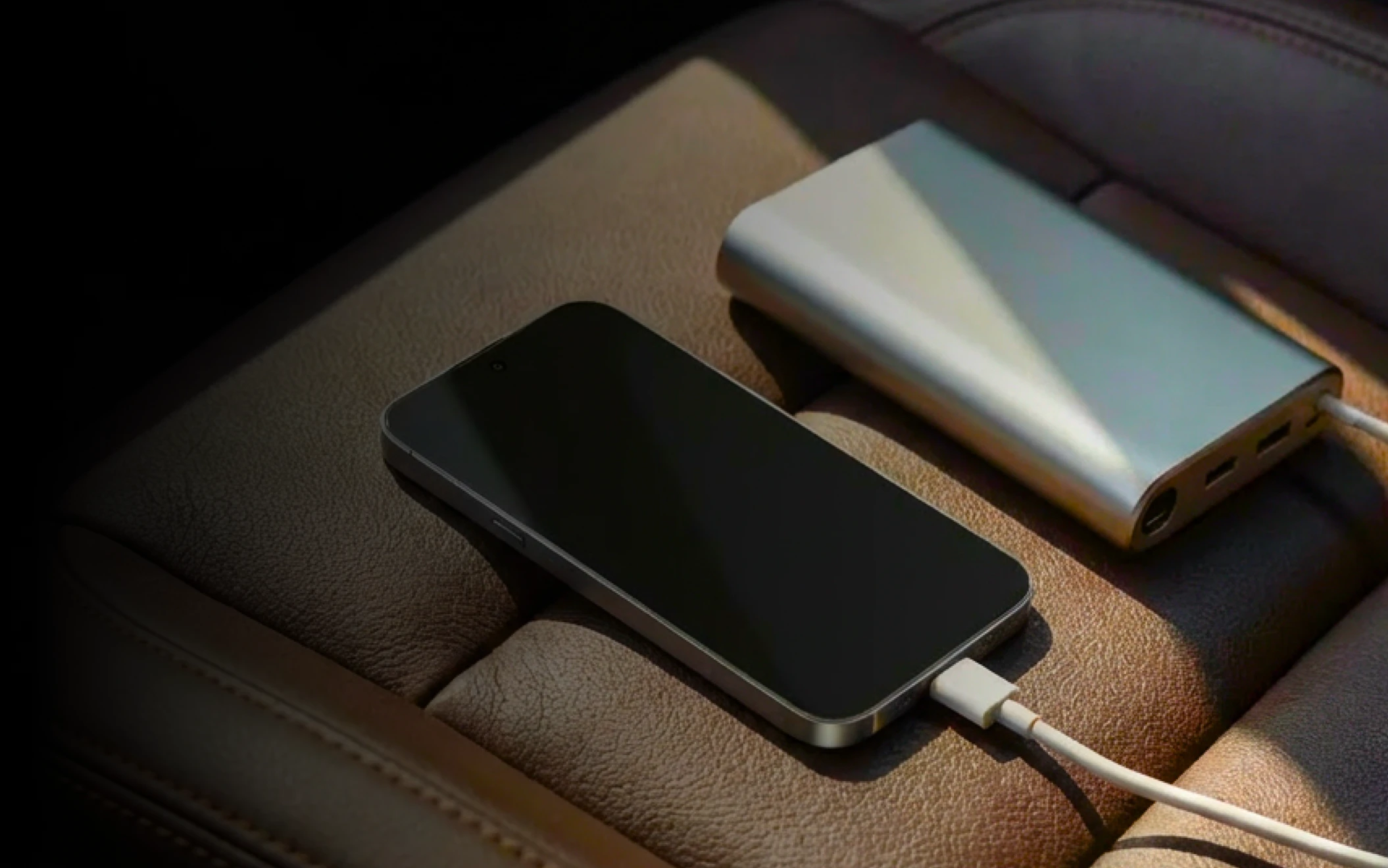
Low-power Charging Enhancement
Boost the Charging Speed for Third-party Charger and Power Bank. 45 mins charge boost 30% when screen off.
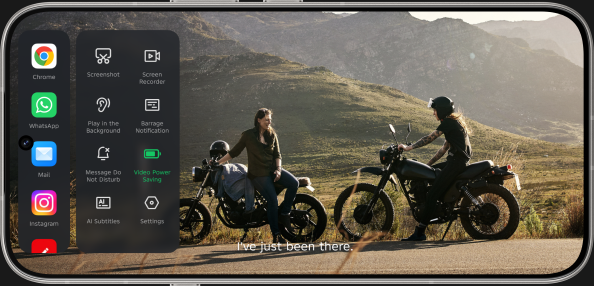
Video Power Saving
Extend the video viewing duration by 1.5 hours.
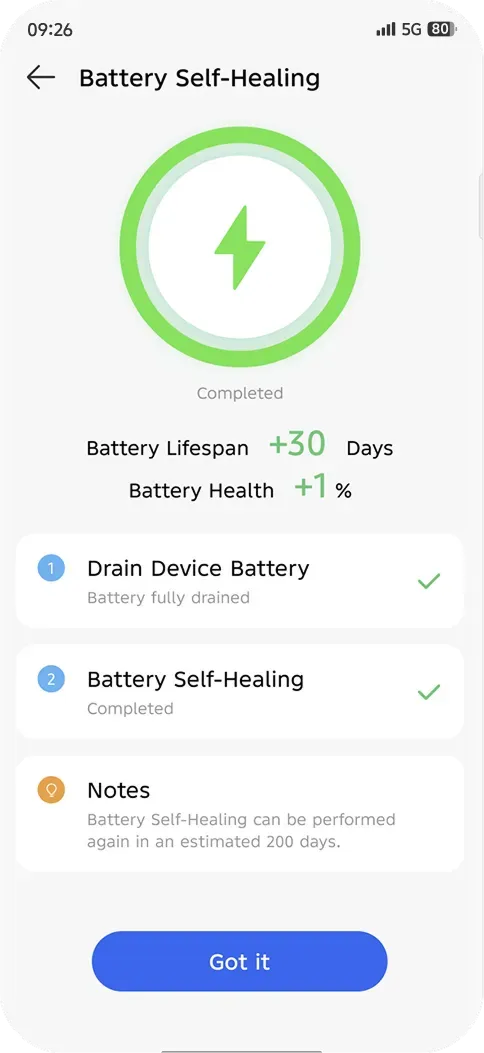
Battery Self-Healing
Small current optimization enables uniform ion distribution, reduces polarization, and enhances performance and longevity.
App Flash Launch 2.0
20 applications 2 rounds of continuous startup—effortless from start to finish.
Sensory Scheduling 3.0
30 applications 2 rounds of continuous startup—effortless from start to finish. Ultra-smooth operation, 0 latency, 0 crashes, 0 freezes and 0 restarts.
MemCompress
Speed improved 20% in floating window mode.
 G
Powerful, convenient, secure, multi‑dimensional experience awaits your exploration.
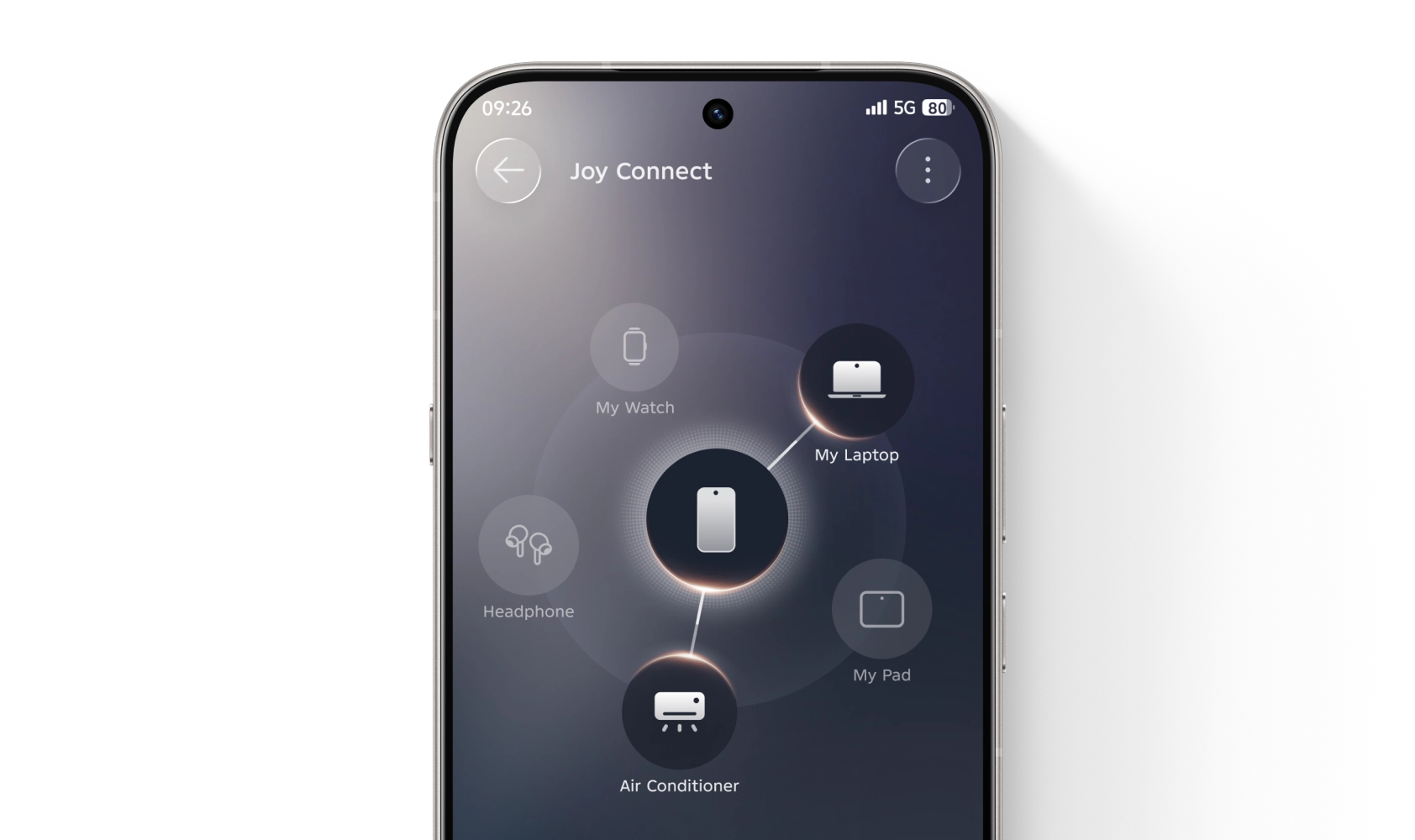
Easy to drag files from phones to laptop
One keyboard or mouse to control your laptop, pad and phone Remark: Available with Infinix Pad and Laptop
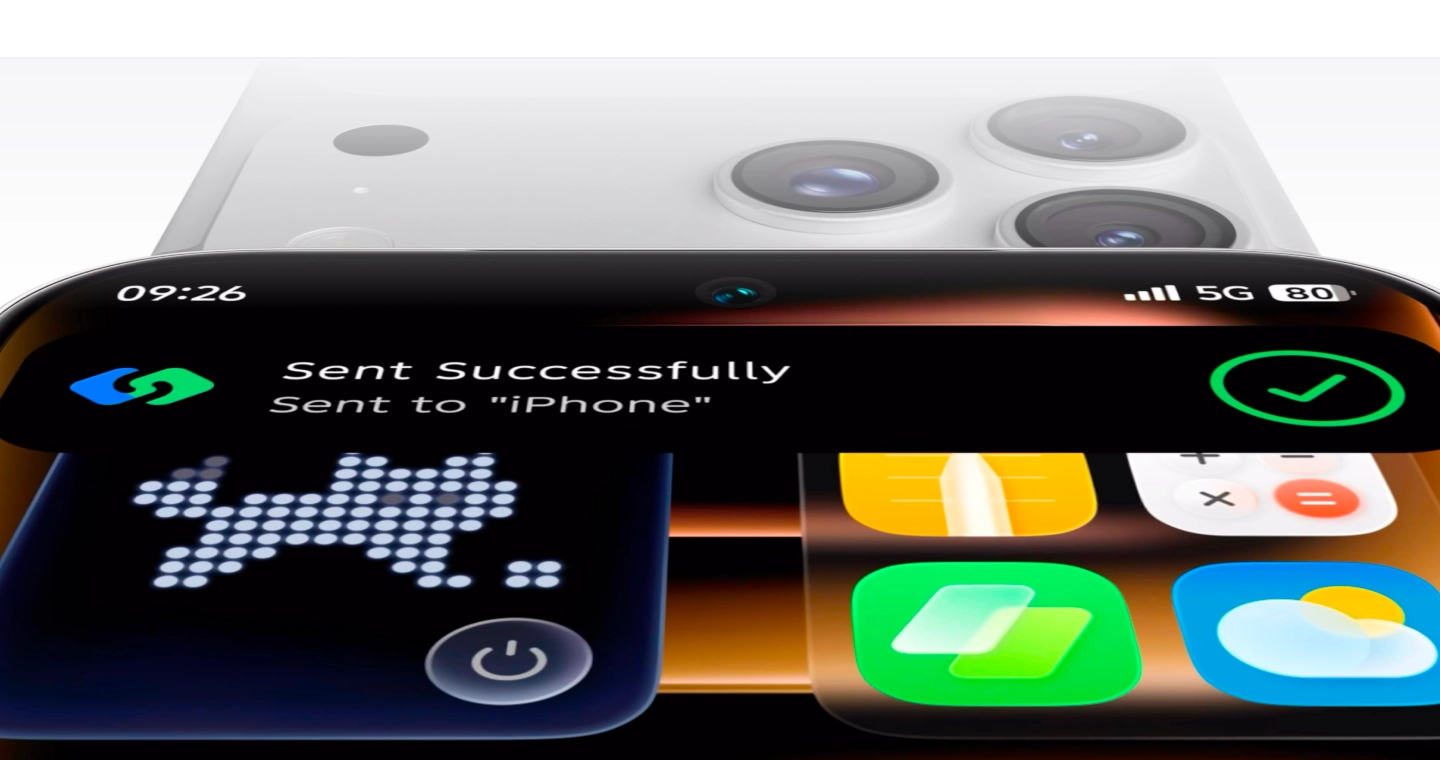
Instant Transfer with iPhone
Touch the other device’s NFC area in the sharing interface for traffic-free, lossless original file, and ultra-fast transmission.
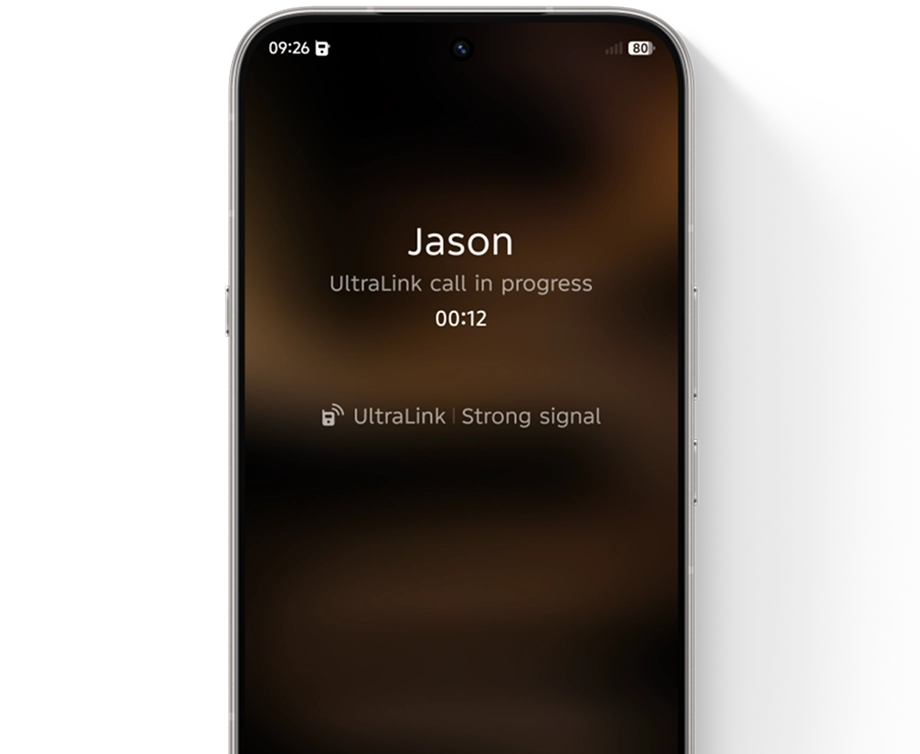
UltraLink 2.0
From outdoor fields and overseas trips, to signal-less basements and classrooms: enjoy free offline calls, and send text, image and voice messages anytime.
Motion Sickness Relief
No dizziness—whether on the move, at sea, or scrolling for hours.

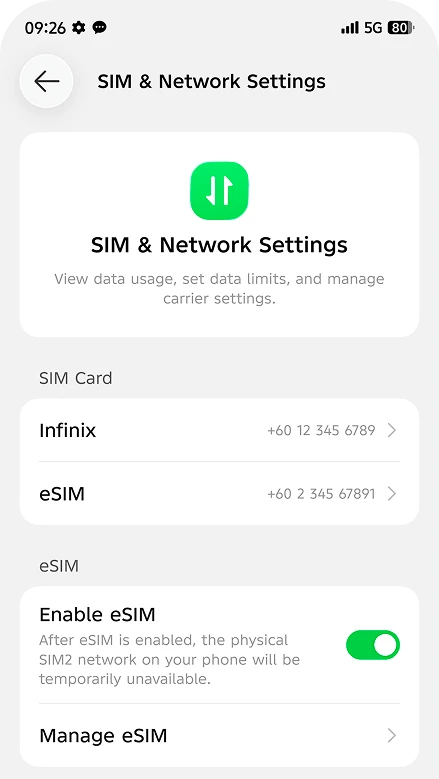
eSIM
Add eSIM by scanning the QR code to apply for new cards conveniently.
Active Matrix Lighting
Real-time status feedback—more than fun, fully functional.





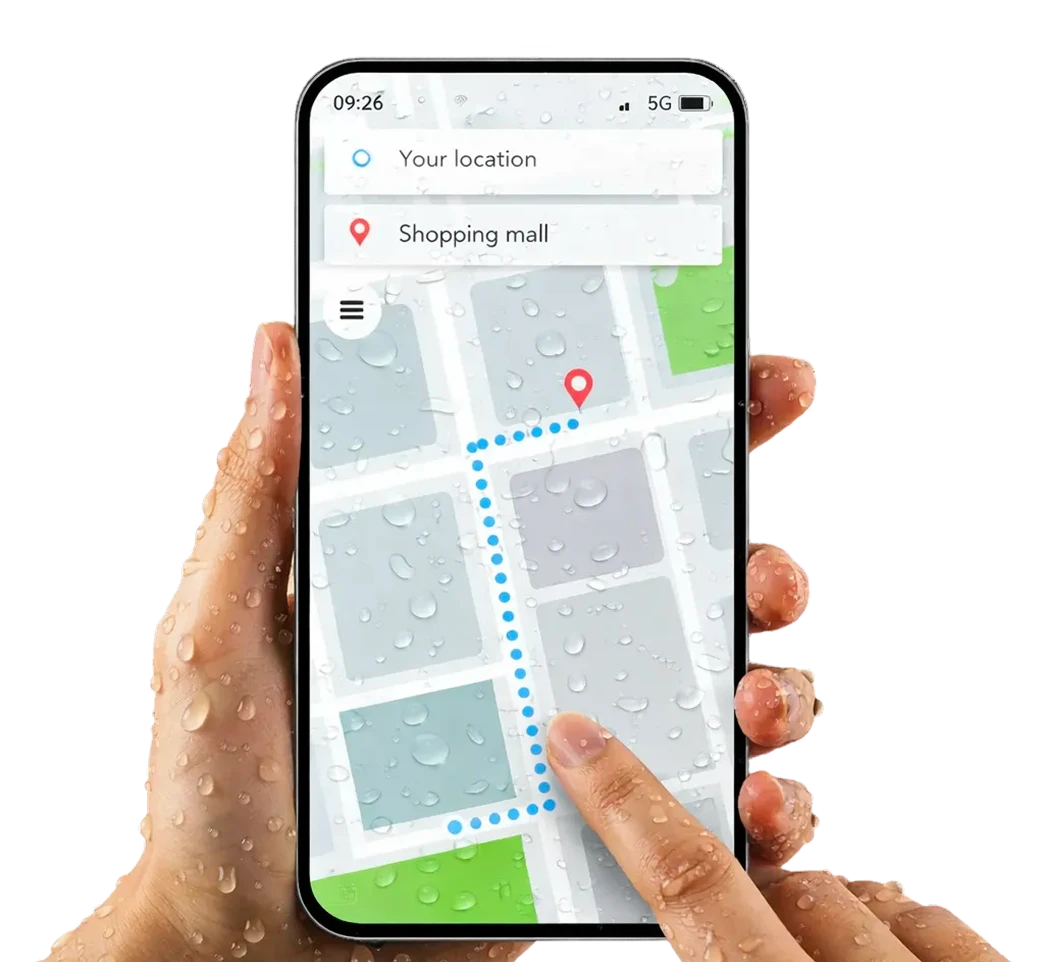
Touch Optimization with Raindrops
Wet-screen touch remains precision-smooth on rainy days
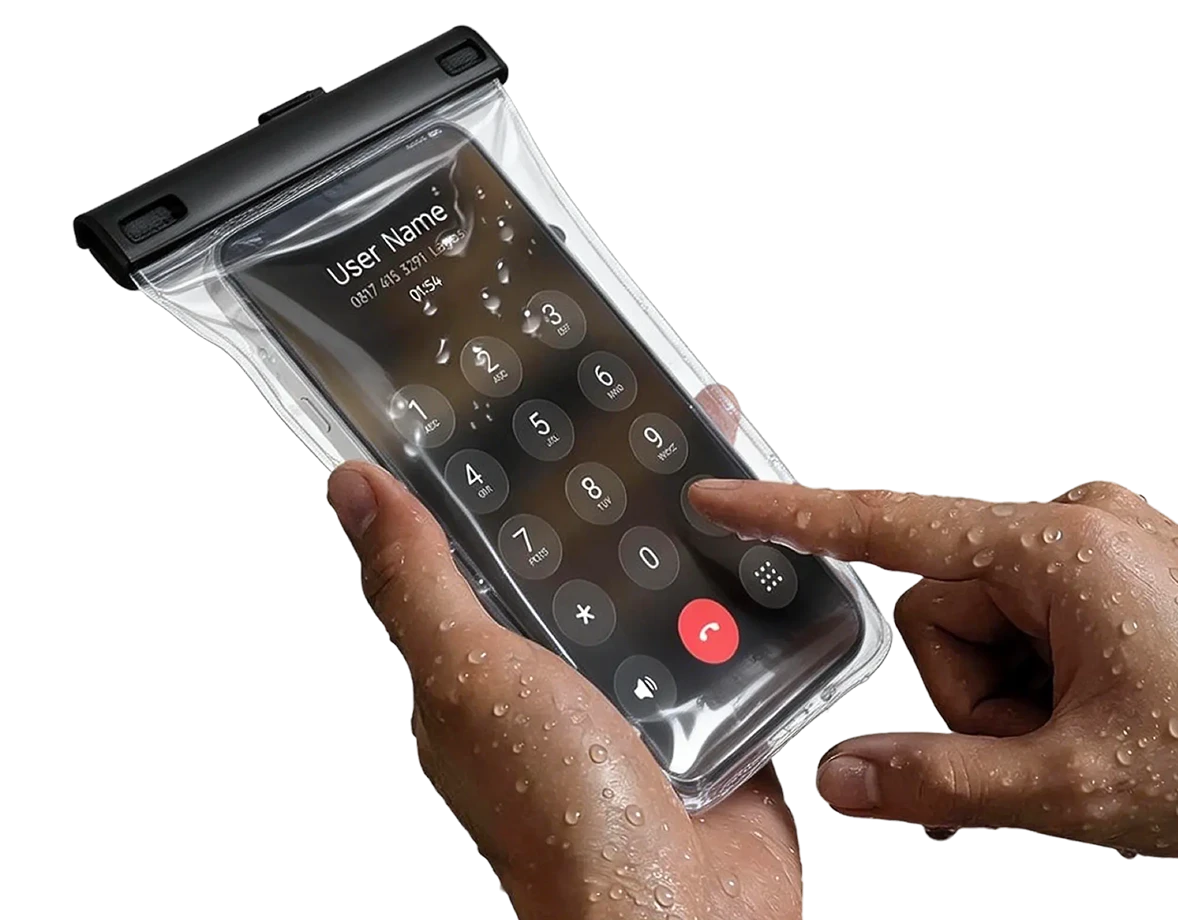
Touch Optimization with Waterproof Bag
Extra protection.No sensitivity sacrificed.
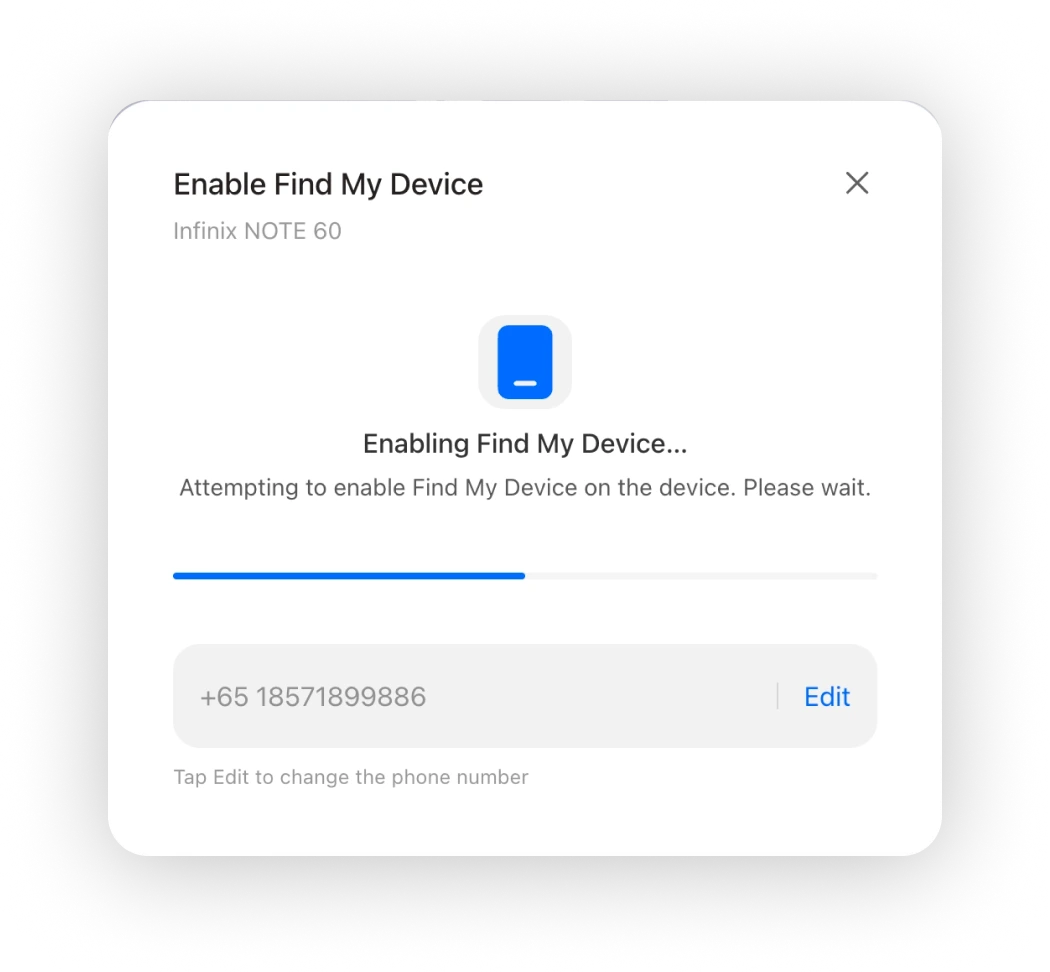
Automatically turn on the network when the SIM card is removed from the lost phone to keep the lost phone always online by tracing the location.
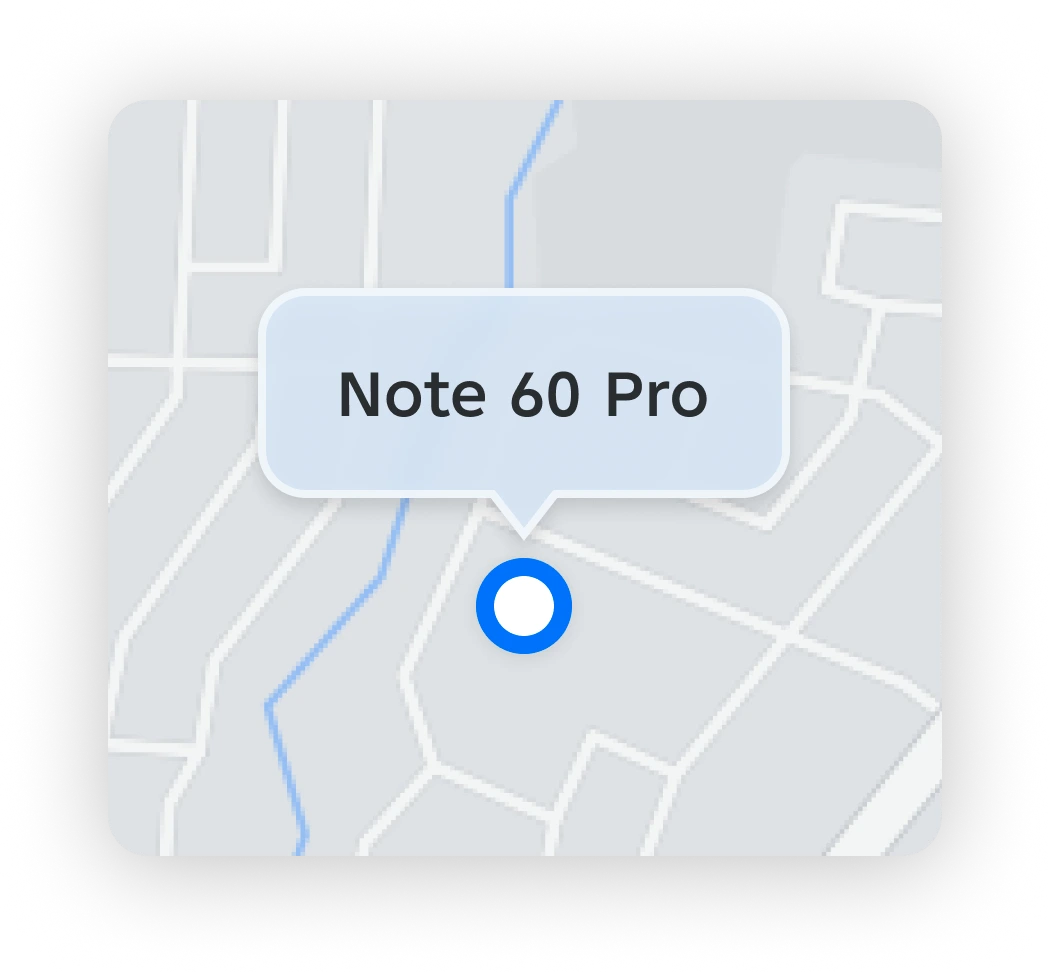
Enable Find My Device even after you have lost your phone.
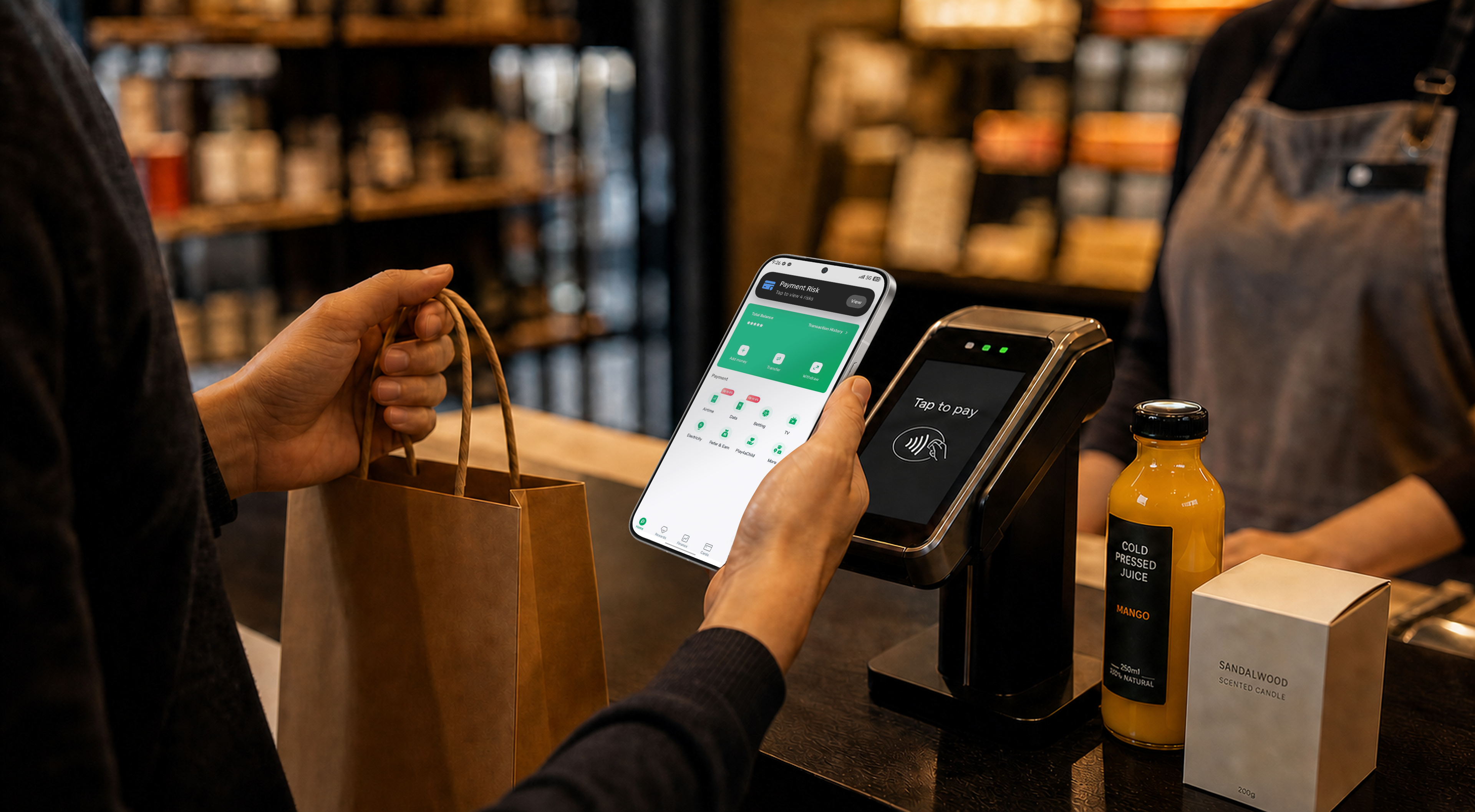
Monitor the Risks of Network, System, Action and Application

Extra Small Text Font To Protect Your Secret Information
Non-response Rate · False Trigger Rate



Significant Optimization Results
Before Import Under Optimization After Optimization
High Curve · Default Curve · Low Curve




Develop the Brightness Curves as the Standard for User Personalization
Screen Brightness (nit)Ambient Illuminance (Lux)

Global(EN)